


Your Strap Is the Weakest Link in Your Heart Rate Data
You spent £400 on a Garmin or Apple Watch. You trust it to guide your training, pace your Zone 2 runs, and track your recovery. But here's the uncomfortable truth: a poorly fitting strap can throw your heart rate readings off by up to 15 bpm, enough to put you in the wrong training zone entirely.
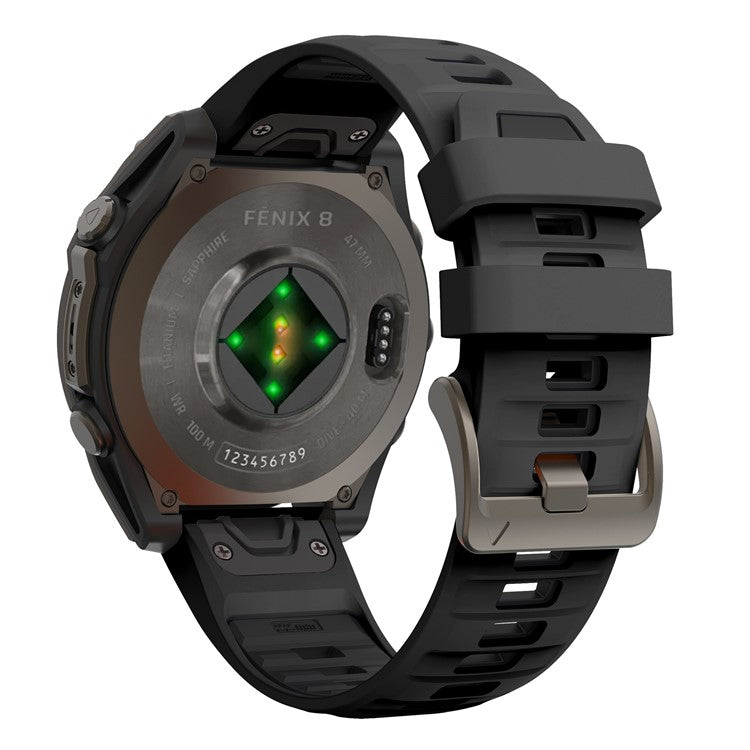
Your watch's optical heart rate sensor (called PPG) works by shining LED light through your skin to detect blood flow. It's clever tech, but it's completely dependent on one thing: consistent contact between the sensor and your skin. That's your strap's job.
Whether you're a runner chasing a PB, a HYROX competitor grinding through sled pushes, or a gym-goer tracking calories, this article will show you exactly how to fix your strap setup for accurate heart rate data. Let's get into it.
How Optical Heart Rate Sensors Actually Work
PPG stands for photoplethysmography. In plain English, your watch fires green LED light into the skin on your wrist. The capillaries beneath the surface absorb that light differently depending on how much blood is flowing through them. Your watch reads those tiny changes and translates them into a heart rate number.
When worn correctly, the sensor is remarkably accurate. A January 2026 meta-analysis published in npj Digital Medicine, pooling data from 82 studies and over 430,000 participants, found that Apple Watch has a mean heart rate bias of just -0.27 bpm at rest, with roughly 98% of readings falling within 5 bpm of clinical-grade monitors.
During exercise, that accuracy drops. Error can exceed ±10 bpm during high-intensity or high-motion activities like running, boxing, and resistance training. According to Empirical Health, only about 87% of Apple Watch measurements during exercise land within 5 bpm of ground truth.
Arm position plays a role too. A 2025 PLOS Digital Health study found that PPG signal quality is significantly lower when standing with your arm hanging (SNR of 9.0 dB) compared to lying down (18.6 dB). The sensor is capable. The question is whether your strap lets it do its job.
The 5 Ways Your Strap Is Sabotaging Your Readings
Think of this as your diagnostic checklist: five specific problems, all fixable.
1. Too Loose
A loose strap means the sensor intermittently loses contact with your skin. That creates gaps in your data, amplifies motion artifacts, and makes calorie tracking unreliable. If your watch bounces around during burpees or a tempo run, your data is compromised.
2. Too Tight
Cranking your strap down restricts blood flow and skews readings, including SpO2. According to TrendyStraps, wrists can swell by 3 to 7% in hot conditions due to vasodilation and surface fluid retention. A strap that feels perfect at rest can become circulation-restricting mid-run.
3. Wrong Material
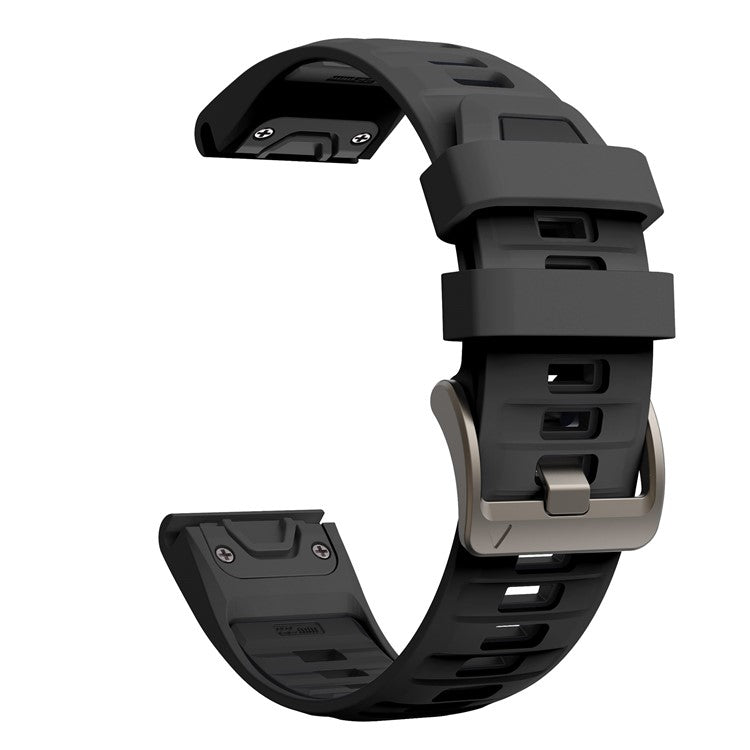
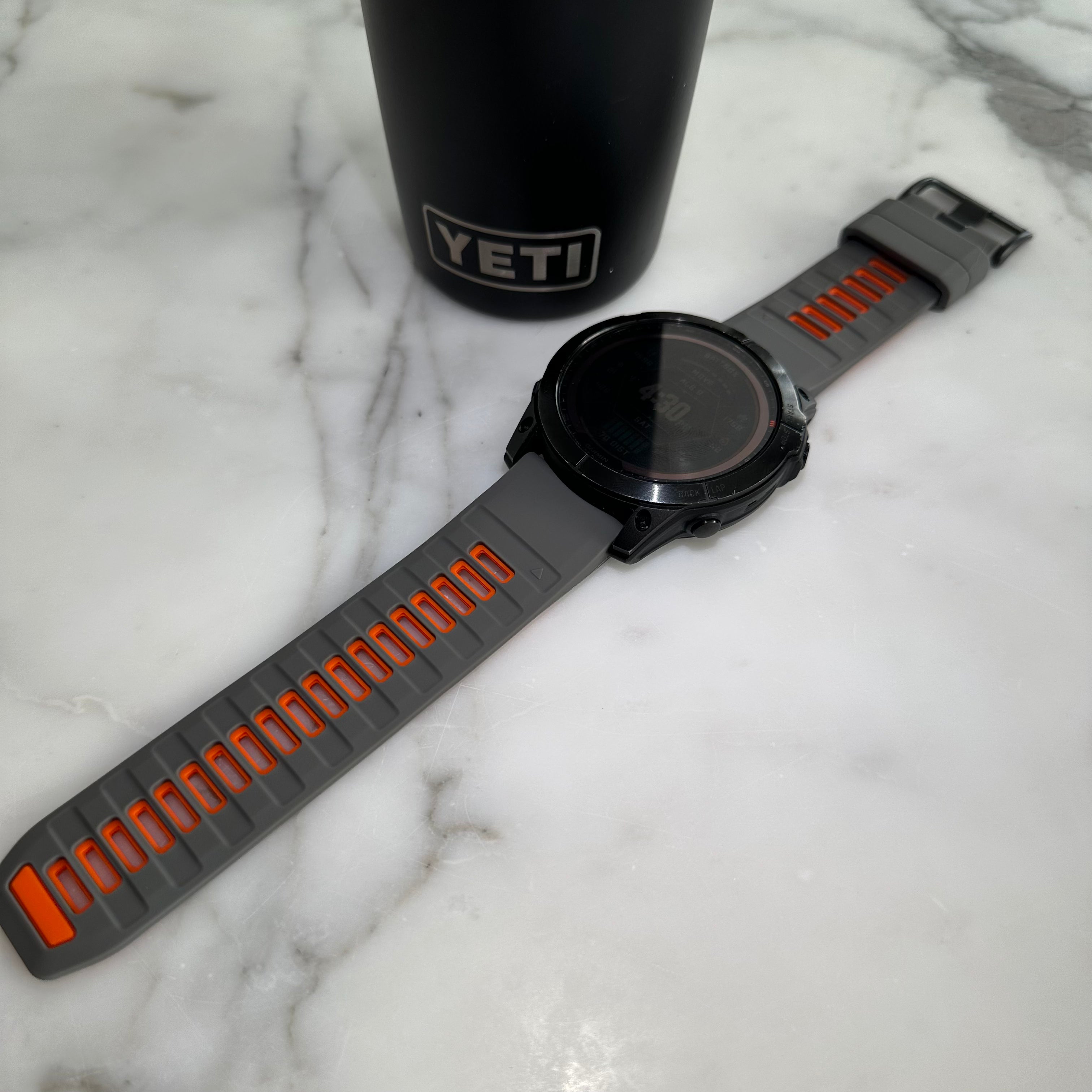
This is the one most people overlook. Leather, metal, and rigid nylon bands don't flex with your forearm muscle contractions or absorb wrist movement during exercise. They shift, they bounce, and they break sensor contact. Silicone and FKM rubber maintain consistent contact during sweaty, high-intensity workouts because they move with your body, not against it.
4. Cadence Lock
Runners, pay attention. Cadence lock is a known phenomenon where your Garmin or Apple Watch reads your running cadence (the rhythm of your arm swing) as your heart rate, producing completely false HR data. This happens most often when the watch is worn loosely in the standard top-of-wrist position. If your heart rate graph looks suspiciously flat and matches your cadence (say, 170 spm and 170 bpm), cadence lock is likely the culprit.
5. Dirty Sensor
Sweat, sunscreen, lotion, and insect repellent all block the LED light your sensor relies on. If you apply sunscreen before a long run or moisturise before hitting the gym, residue on the sensor window will degrade your readings. Outdoor athletes and gym-goers who prep their skin before workouts are especially vulnerable.
Which Strap Material Actually Performs Best?
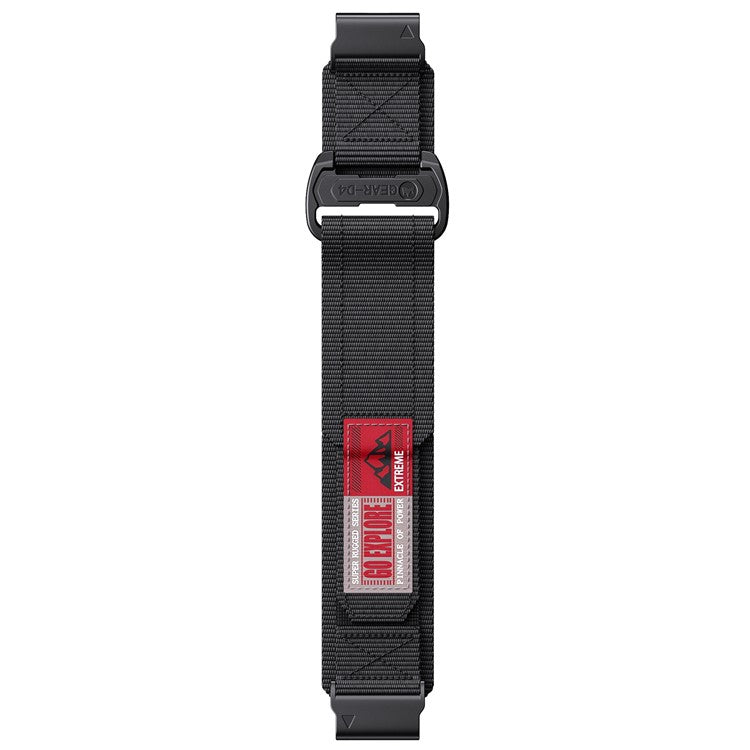
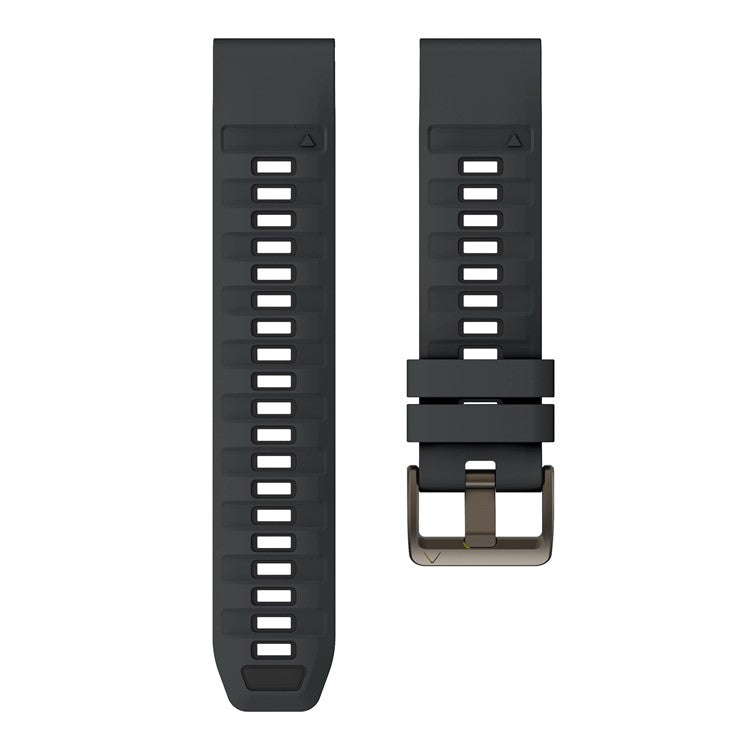
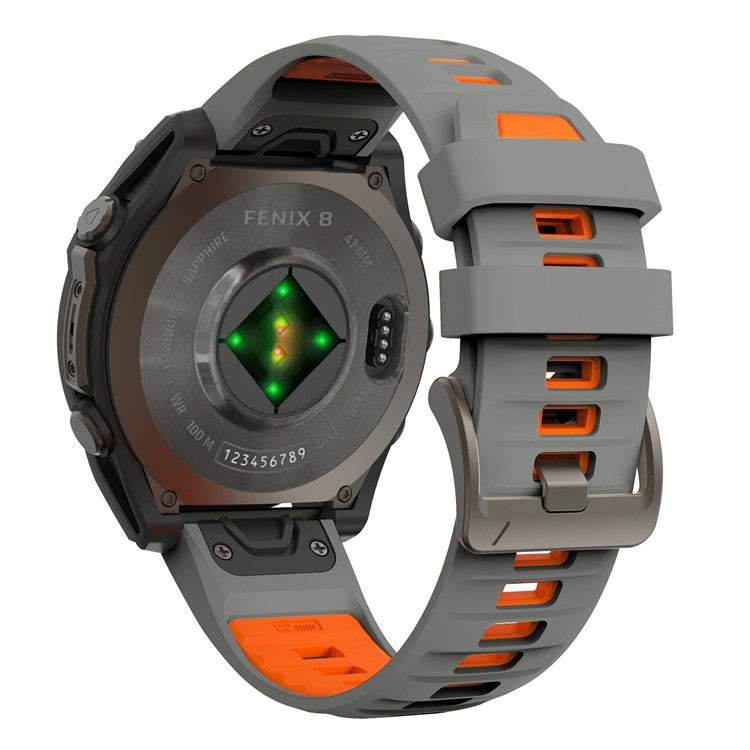
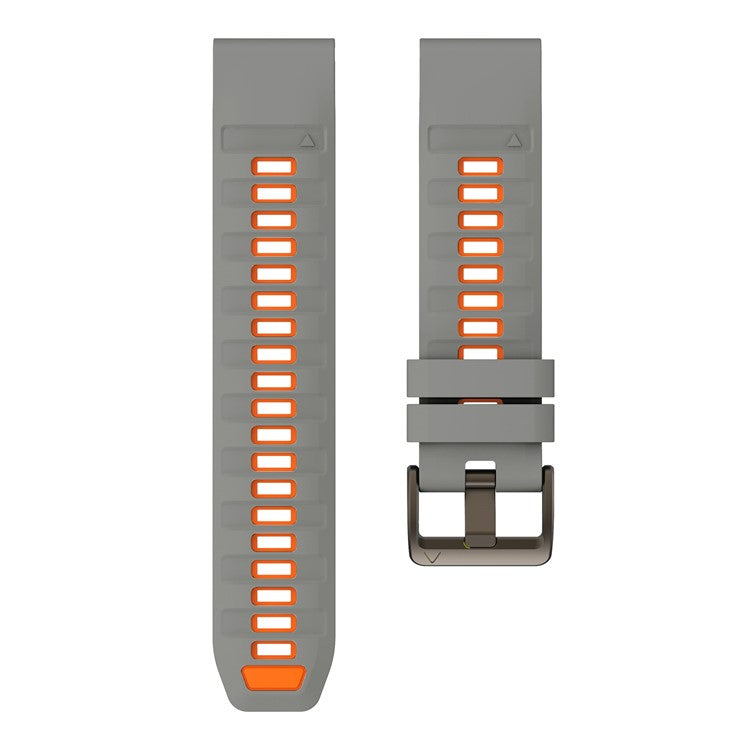
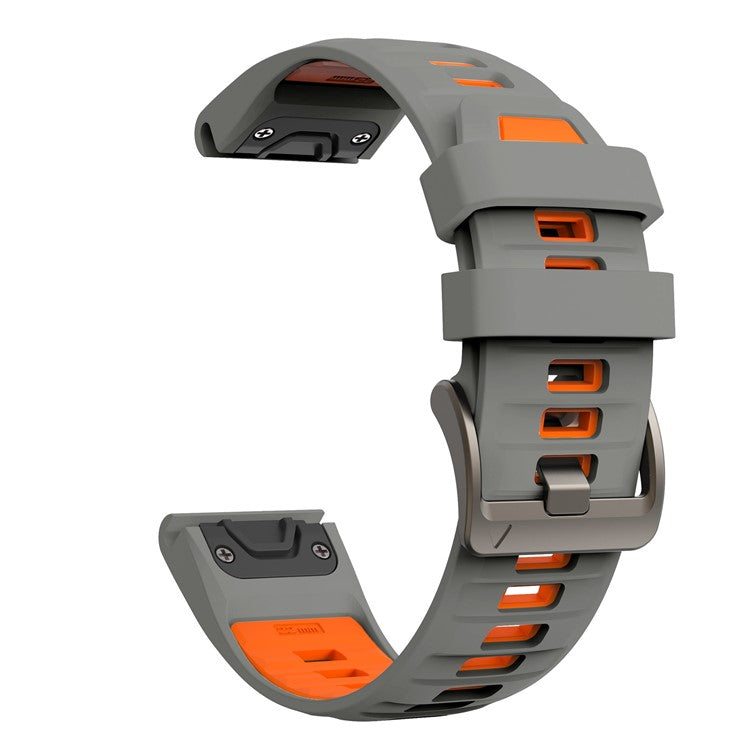
Silicone: The gold standard for workout accuracy. It doesn't absorb moisture, stretches with forearm contractions, and maintains consistent sensor contact. Both Garmin and Apple cite silicone as optimal for accurate readings.
FKM Rubber: A step up from standard silicone. FKM (fluoroelastomer) rubber offers superior durability and skin contact, resists oils and chemicals, and holds up brilliantly in high-sweat environments. If you're training for HYROX or doing back-to-back sessions, FKM is your best bet.
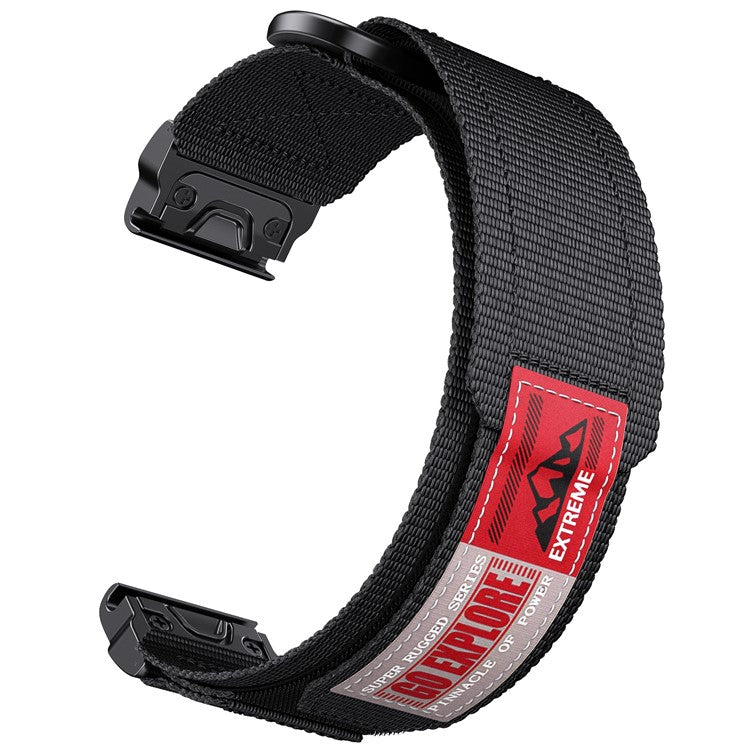
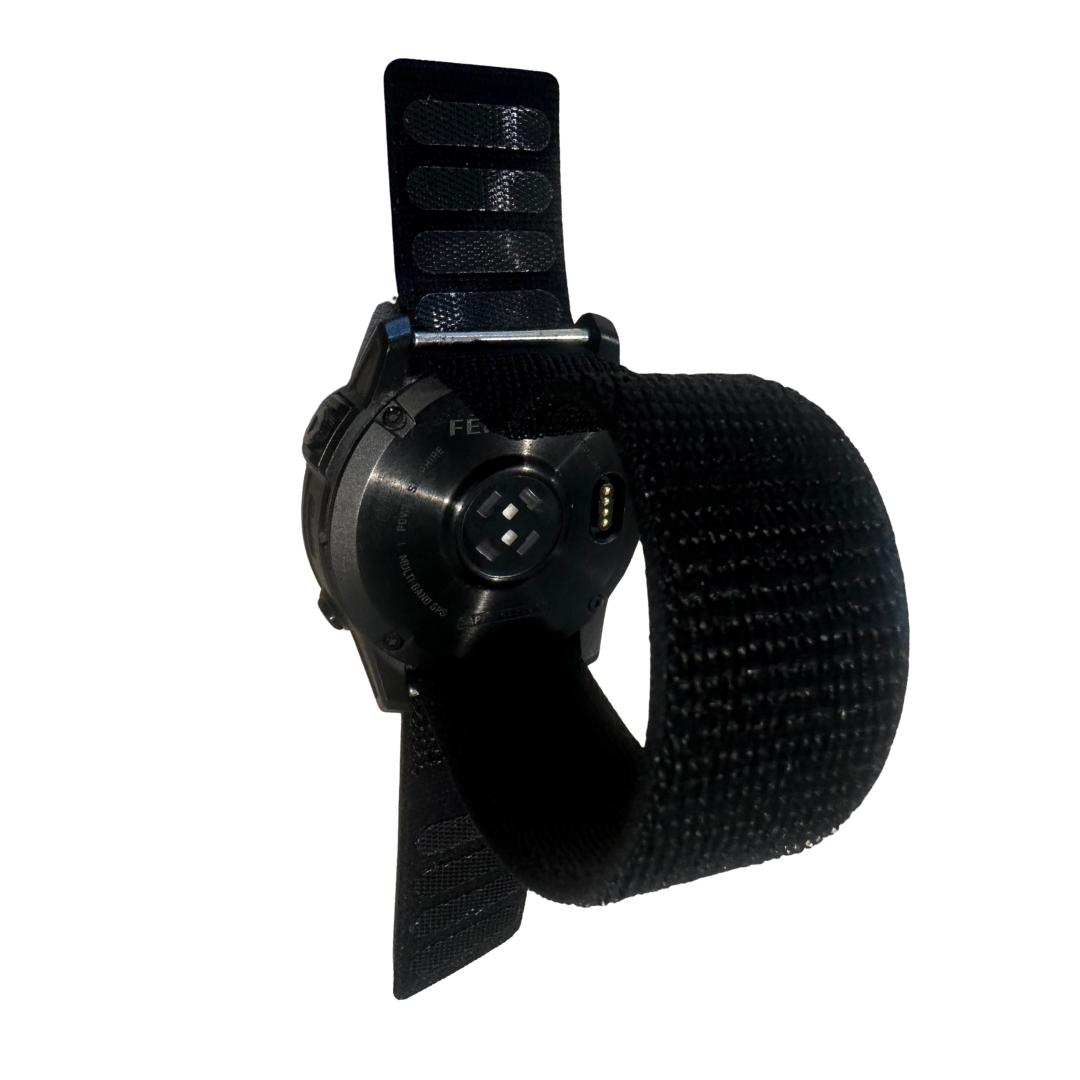
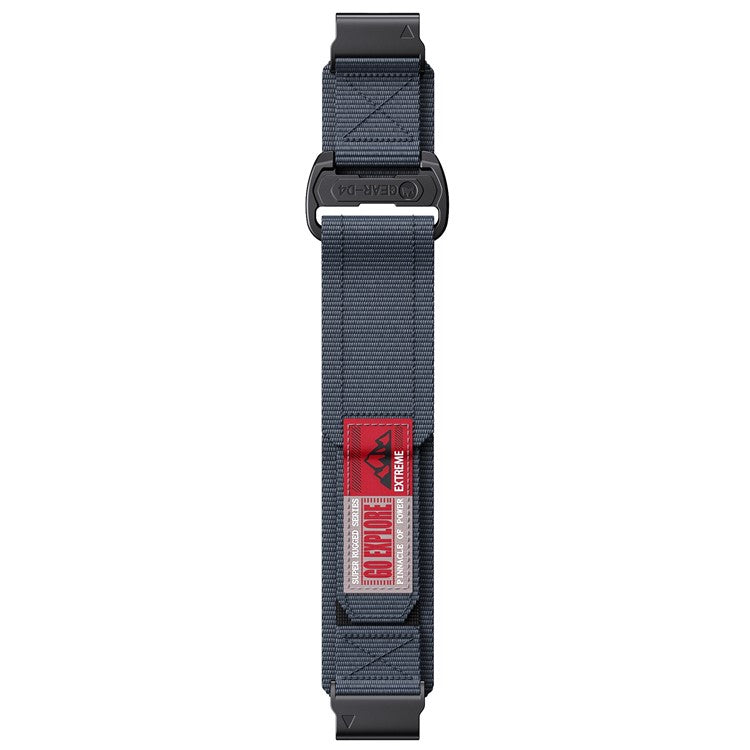
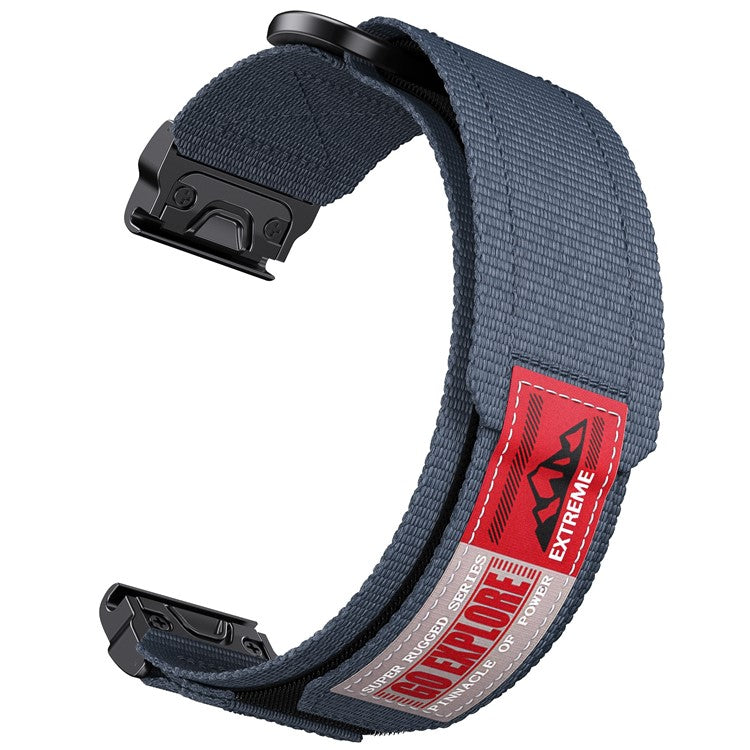
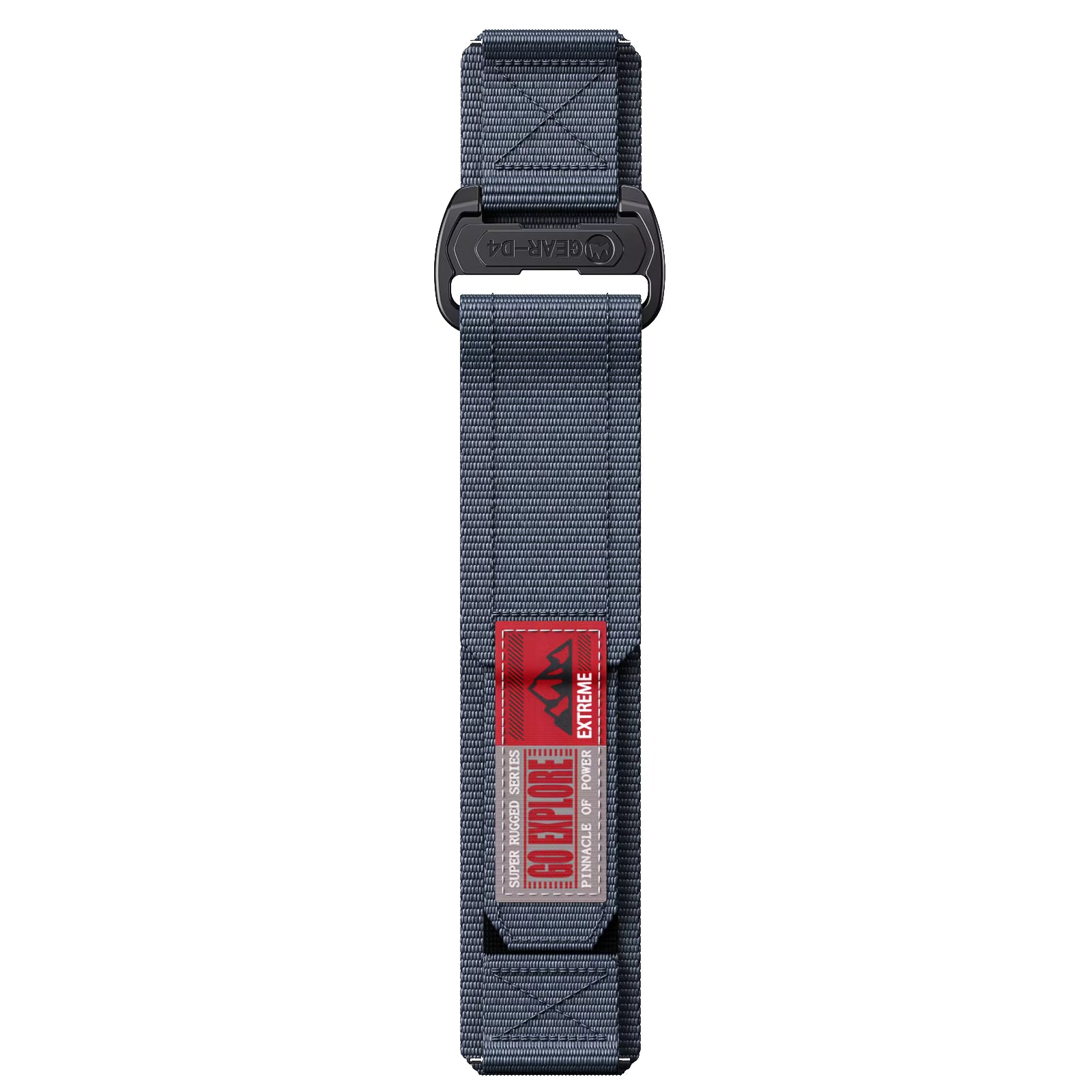
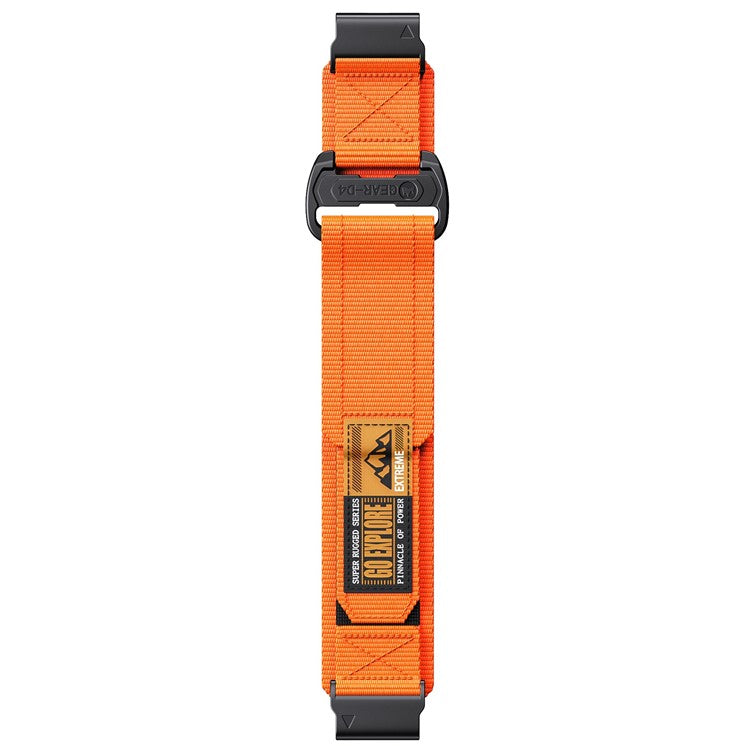
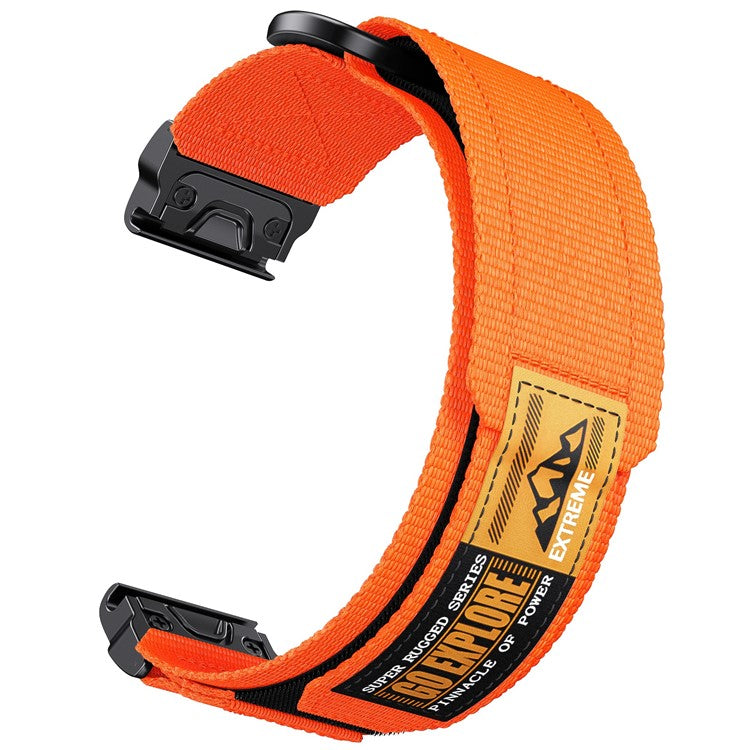
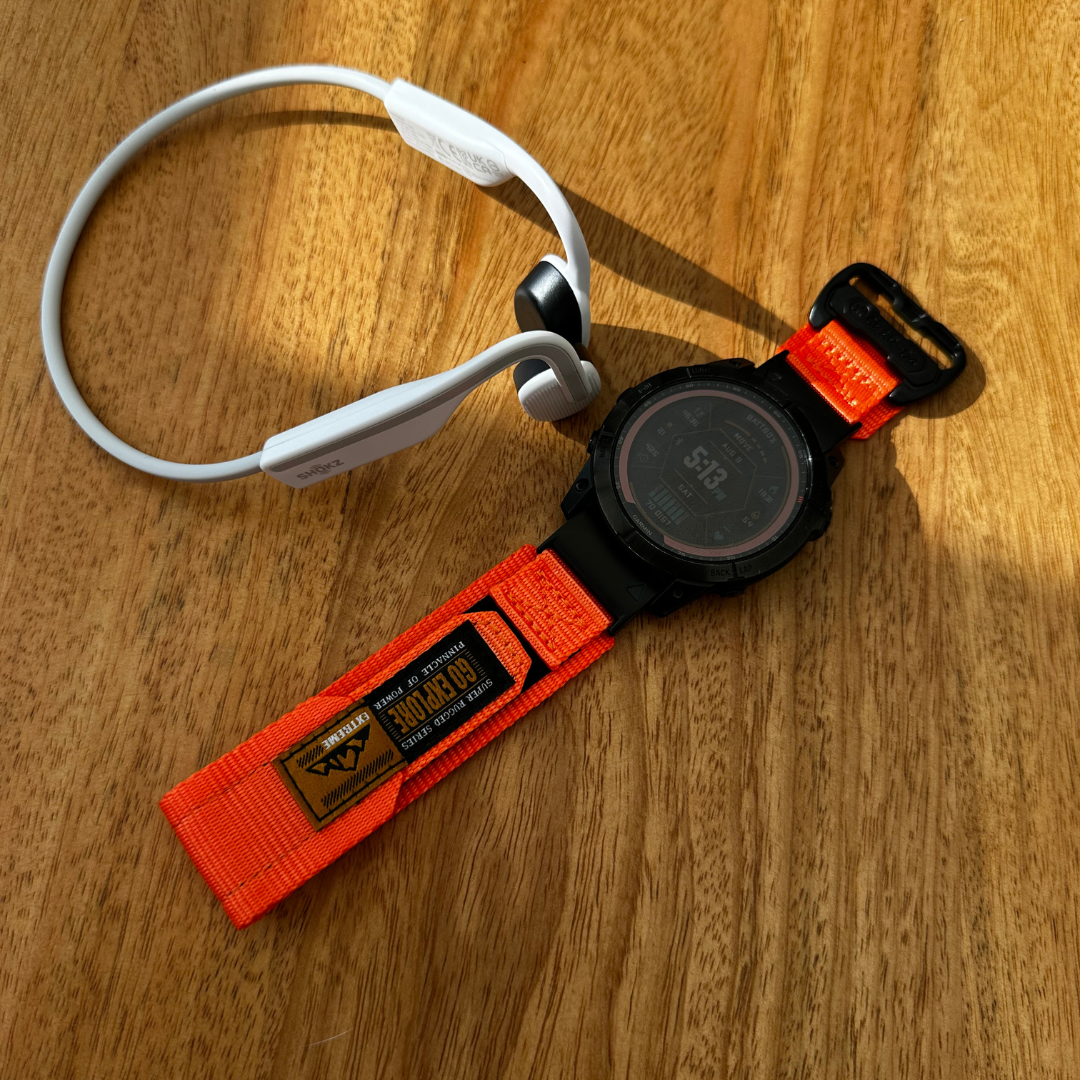
Nylon: Breathable and comfortable for daily wear, but less flexible than silicone. It can shift during arm swing, making sensor contact less reliable during high-intensity activity.
Leather: Looks great with a shirt. Terrible for workouts. Leather absorbs sweat, stiffens over time, and provides poor sensor contact during exercise. Save it for the office.
Metal: Rigid links can't flex with wrist movement, creating pressure points rather than even sensor contact. Avoid metal bands for any training session where heart rate data matters.
Our recommendation: silicone or FKM rubber for any workout where HR accuracy matters. The Time Club stocks both materials across our full range of Garmin and Apple Watch compatible straps, so you can find the exact fit for your model.
How to Fix Your Strap Fit Right Now
The snug-but-not-tight rule: Both Apple and Garmin experts recommend the same test. Your watch should be snug enough that the skin underneath moves with it when you shift the watch side to side. If it slides freely, it's too loose. If it leaves deep red marks, it's too tight.
Wear it higher: Position the watch two finger-widths above your wrist bone. This puts the sensor over a flatter, more stable part of your forearm, reducing motion artifacts and improving contact.
Try the underside hack: Wearing the watch on the inside of your wrist during running has been shown to reduce cadence lock and improve accuracy. The inner wrist is less tapered, so the watch slides less during arm swing.
Account for wrist swelling: Start your workout with a slightly looser fit than feels natural at rest. Your wrist can swell by 3 to 7% during intense or hot-weather sessions, and a strap that starts snug can become restrictive.
Clean your sensor: Wipe the optical sensor window after every workout, especially if you've applied sunscreen, lotion, or bug spray before training.
Cold weather note: Vasoconstriction reduces blood flow to your wrist in cold conditions, making it harder for the sensor to get a clean reading. Even a perfect silicone strap may not fully compensate. Layer up to keep your wrists warm, or consider a chest strap for winter sessions.
Why This Matters Beyond Heart Rate
Your heart rate data isn't just a number on a screen. It's the foundation of every downstream metric you train by. VO2 max estimates, Garmin Body Battery, Training Status, HRV, and recovery scores all depend on clean HR input. If your strap is causing 10 to 15 bpm errors during Zone 2 runs, you may be training in the wrong zone entirely, undermining weeks of structured work.
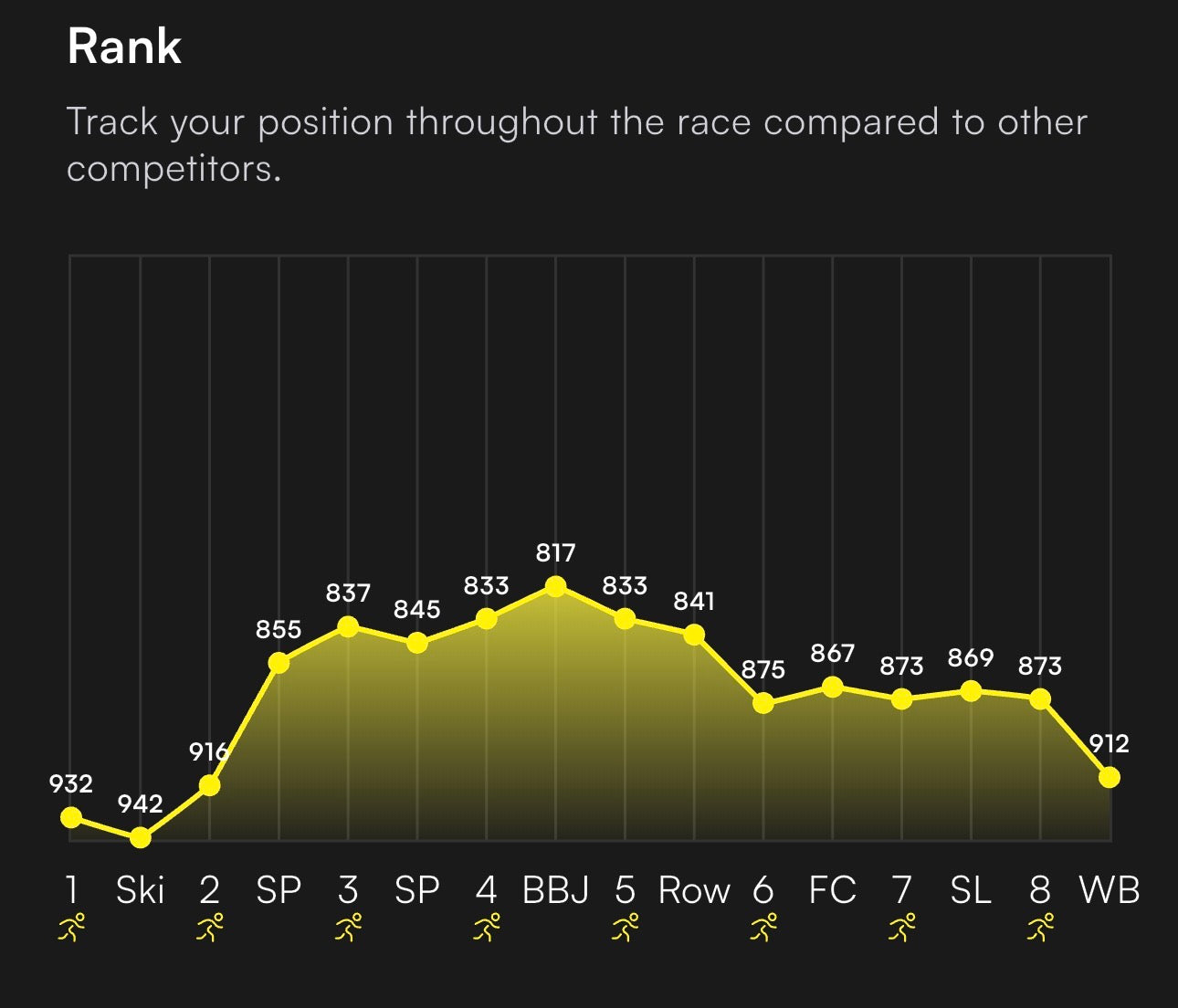
For HYROX and hybrid athletes, this is even more critical. Mixed-modality workouts combining running with functional movements like sled pushes, wall balls, and rowing are especially prone to motion artifacts. Getting your strap fit right is non-negotiable for meaningful data.
A 2025 JMIR Cardio study confirmed that wrist-worn device accuracy is "highly dependent on activity type and intensity." Your strap choice directly influences which side of that variability you land on.
Get the Right Strap and Train With Confidence
The fix comes down to three things: right material (silicone or FKM rubber), right fit (snug, positioned higher, accounting for swelling), and right maintenance (clean your sensor regularly).
The science is clear. The January 2026 npj Digital Medicine meta-analysis proves that the sensor in your Garmin or Apple Watch is genuinely world-class. It can only deliver accurate data when the strap does its job.
At The Time Club, we stock silicone and FKM rubber straps across dozens of Garmin and Apple Watch models, with model-specific compatibility and detailed size guides to help you get the fit exactly right. Our customers back it up with a 5.0/5 rating on Trustpilot.
Stop letting your strap hold you back. Upgrade it, dial in the fit, and train with data you can actually trust. Your next PB depends on it.


Share:
The Hybrid Athlete's Guide to Watch Straps: What to Wear for Running, Lifting, and Life
Styling the Garmin Forerunner 70 and Forerunner 170 with The Time Club