

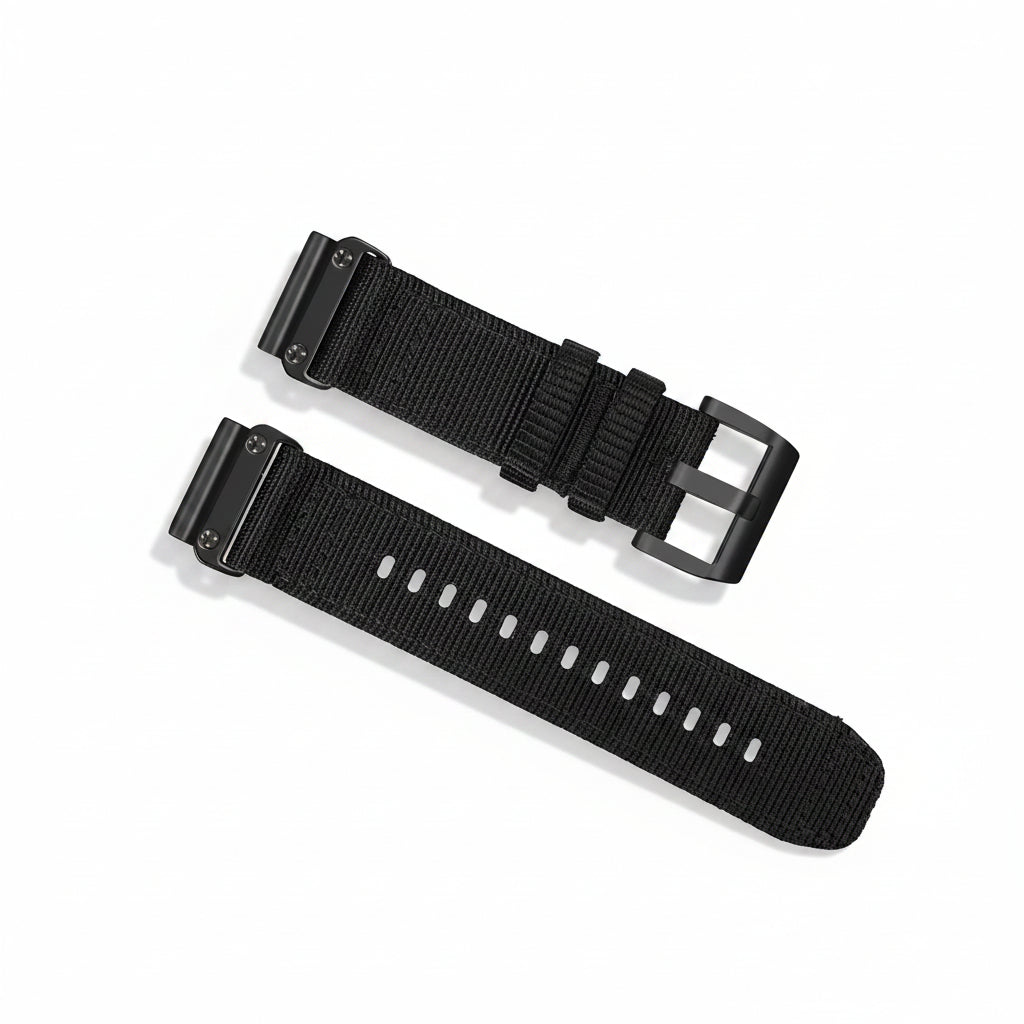
Changing a Garmin watch strap is much easier than you might think. Whether your strap is worn out, you want a different colour for everyday wear, or you need something more suitable for running and training, most Garmin watch bands can be replaced in just a few minutes.
The exact process depends on the type of strap and Garmin watch you have. Some models use QuickFit, while others use Quick Release bands, but both systems are designed to make changing your strap straightforward.
In this guide, we'll explain how to change a Garmin strap, whether you can replace one yourself, how to identify the right size and where to buy replacement Garmin watch bands.
Is it easy to change Garmin straps?
Yes. Changing a Garmin strap is generally very easy and doesn't require any specialist tools when your watch uses a QuickFit or Quick Release system.
Most Garmin replacement straps can be fitted in a few simple steps:
- Remove the existing strap from your Garmin watch.
- Position the new strap correctly.
- Secure the spring bar or QuickFit mechanism into the watch.
- Check that the strap is firmly attached before wearing it.
The whole process can usually be completed in a couple of minutes.
If you're replacing a Garmin strap for the first time, don't worry if it feels slightly fiddly initially. Once you've changed one, swapping between different straps becomes very quick.
Can I replace a Garmin watch band myself?
Yes. You can replace most Garmin watch bands yourself at home.
Garmin watches use several different strap attachment systems, so it's important to check which system your particular model uses before buying a replacement.
Quick Release Garmin straps
Quick Release straps use a spring bar with a small sliding mechanism. These are common on a number of Garmin watches, including various Forerunner, Vivoactive and Venu models.
To remove a Quick Release strap:
- Turn your watch over so you can see the back of the strap.
- Locate the small quick-release pin on the spring bar.
- Slide the pin inwards to release the strap.
- Carefully remove the strap from the watch.
To fit your new strap:
- Insert one end of the spring bar into the lug on the watch.
- Slide the quick-release pin inwards.
- Align the other end of the spring bar with the opposite lug.
- Release the pin and make sure the spring bar is securely seated.
- Repeat the process for the other side of the strap.
Give the strap a gentle pull once fitted to make sure it is properly secured.
QuickFit Garmin straps
QuickFit works slightly differently. Rather than using a traditional quick-release mechanism, the strap attaches using Garmin's QuickFit system.
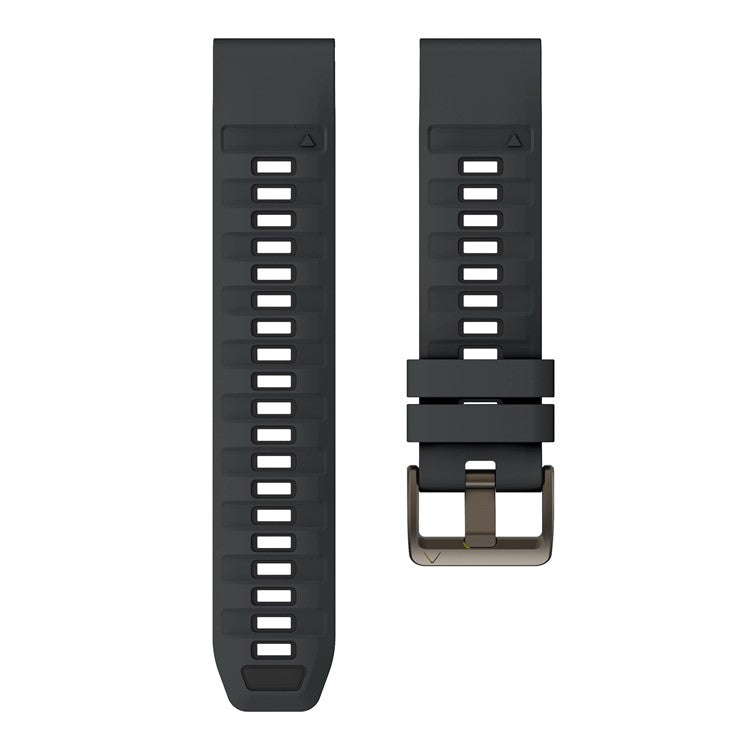
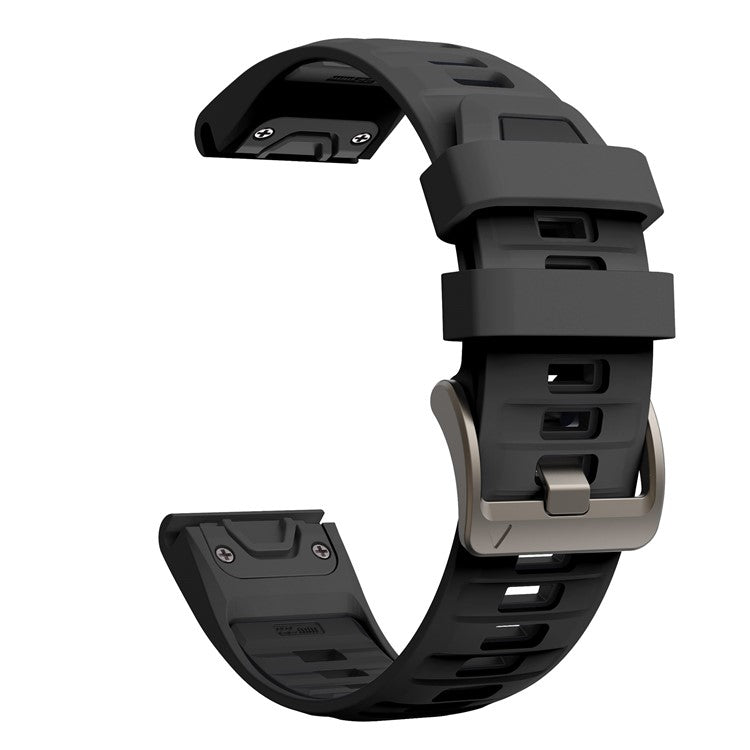
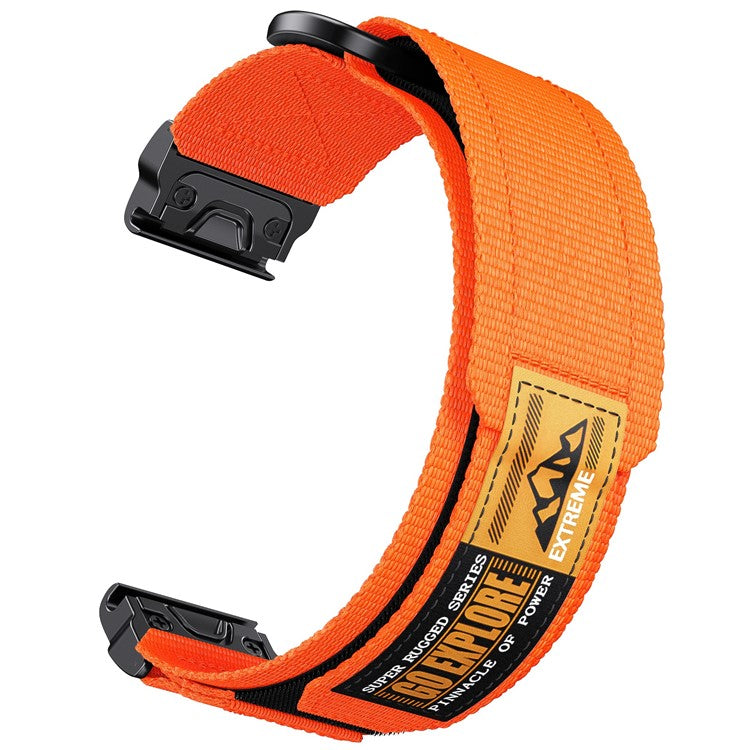
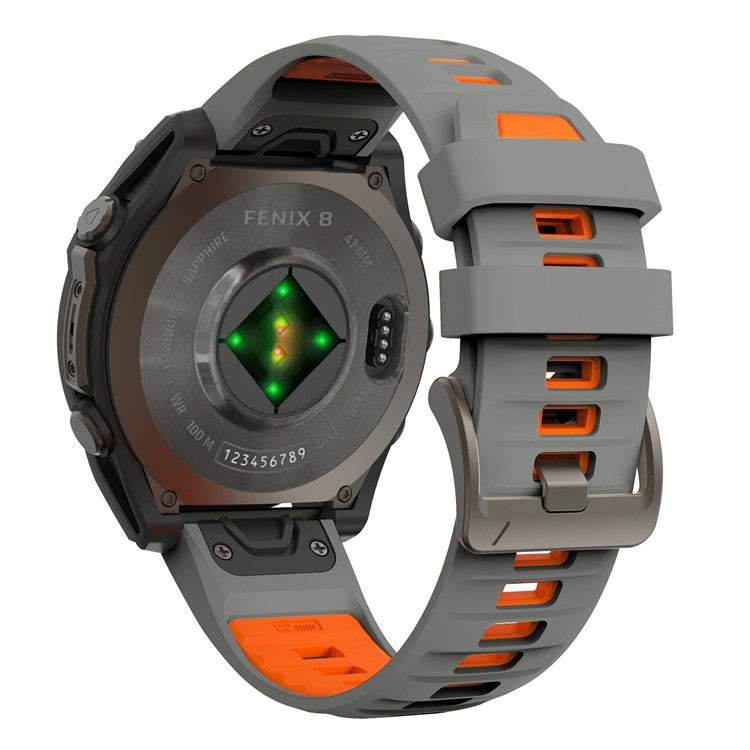
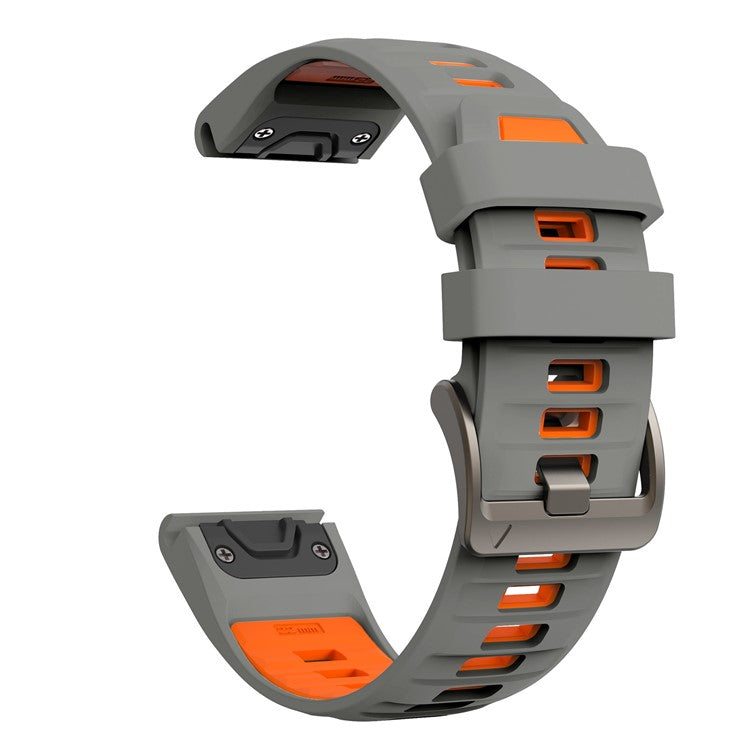
QuickFit straps are particularly common on larger Garmin watches and are available in different widths, including 20mm, 22mm and 26mm, depending on the watch.
To replace a QuickFit strap, release the existing strap from the QuickFit mechanism, position the replacement strap onto the watch and secure it into place.
Always check that the mechanism has properly locked before wearing the watch.
How do I know which Garmin strap I need?
This is one of the most important things to check before buying a replacement.
Garmin straps aren't universally compatible, so you need to check both the attachment system and strap width.
The main things to look for are:
- Strap width: usually 18mm, 20mm, 22mm or 26mm
- Attachment system: Quick Release or QuickFit
- Your Garmin watch model
- The style of strap you want
For example, two Garmin watches can look very similar but use completely different strap systems.
If you're unsure, checking the exact model of your Garmin watch is usually the easiest way to find the correct replacement.
What is the difference between QuickFit and Quick Release?
The names can be confusing because both systems are designed to make changing your watch strap easier.
Quick Release straps use a spring bar with a small lever that allows the bar to be released from the watch without a tool.
QuickFit is Garmin's quick-change strap system, allowing compatible straps to be attached and removed using the QuickFit mechanism built into the strap.
The two systems aren't interchangeable, so it's important to buy a strap specifically designed for your Garmin's attachment system.
Garmin Quick Release
Quick Release is a great option if you want to regularly change your strap and have access to a wide range of styles.
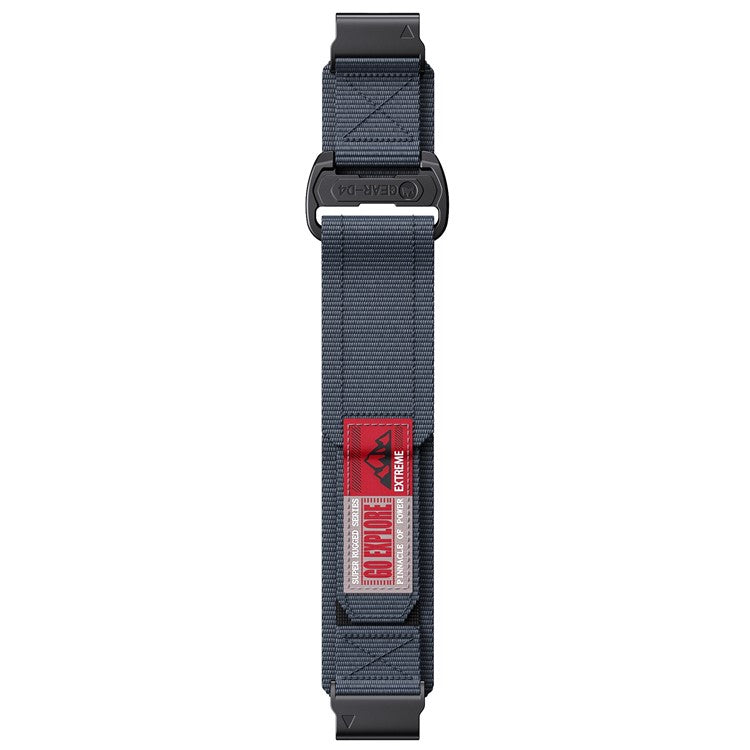
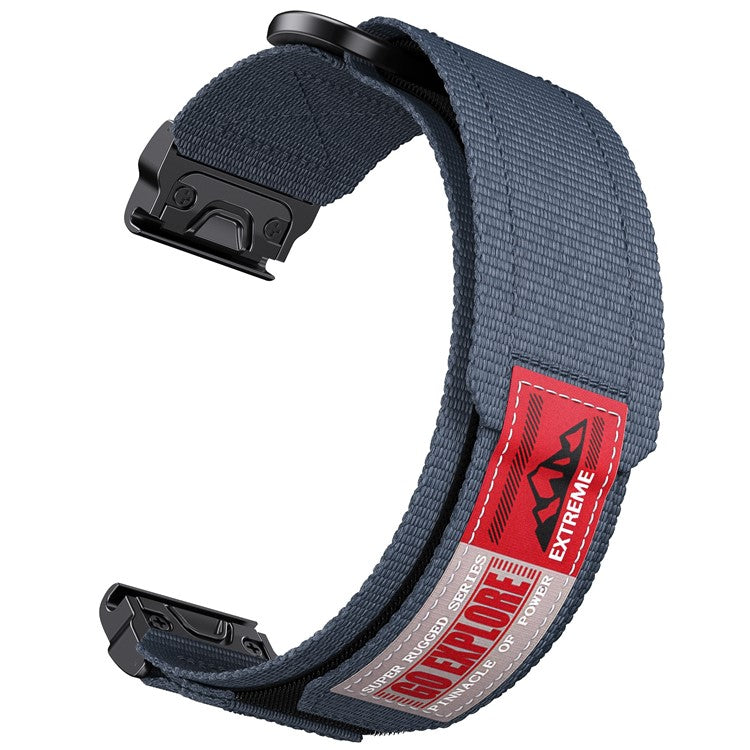
You can find replacement straps in materials such as silicone, nylon, leather and metal, depending on the size and compatibility of your watch.
Garmin QuickFit
QuickFit is designed for compatible Garmin watches and is particularly useful if you want a secure strap that can still be changed quickly.
QuickFit straps are available in several different widths, so always check whether your watch requires a 20mm, 22mm or 26mm strap.
Can I change my Garmin strap without tools?
In many cases, yes.
One of the biggest advantages of Quick Release and QuickFit straps is that you don't normally need a screwdriver or specialist watchmaking tools to change them.
Traditional watch straps can require a spring-bar tool, whereas quick-change systems are designed to be operated by hand.
That makes it much easier to keep several straps and switch between them depending on what you're doing.
For example, you might use:
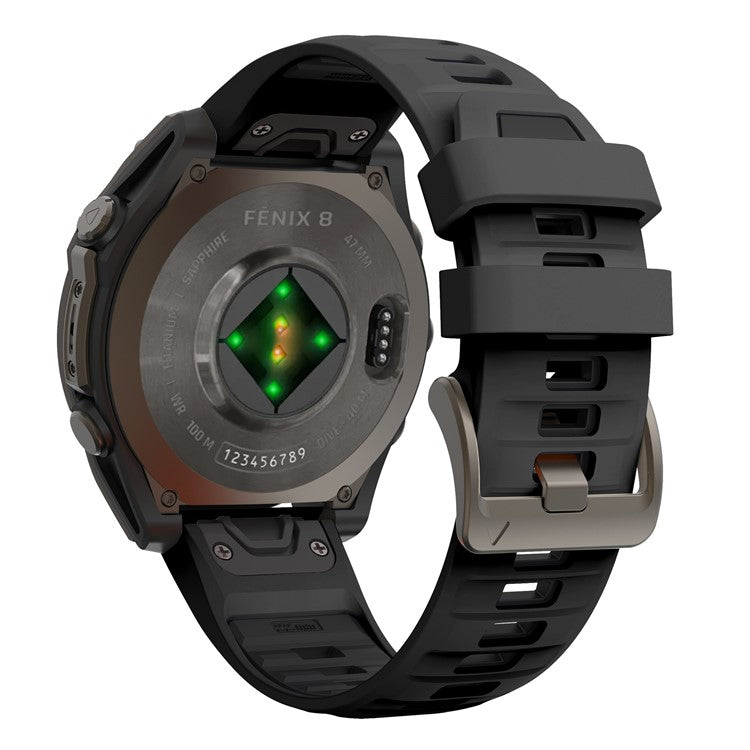
- A silicone strap for running and training
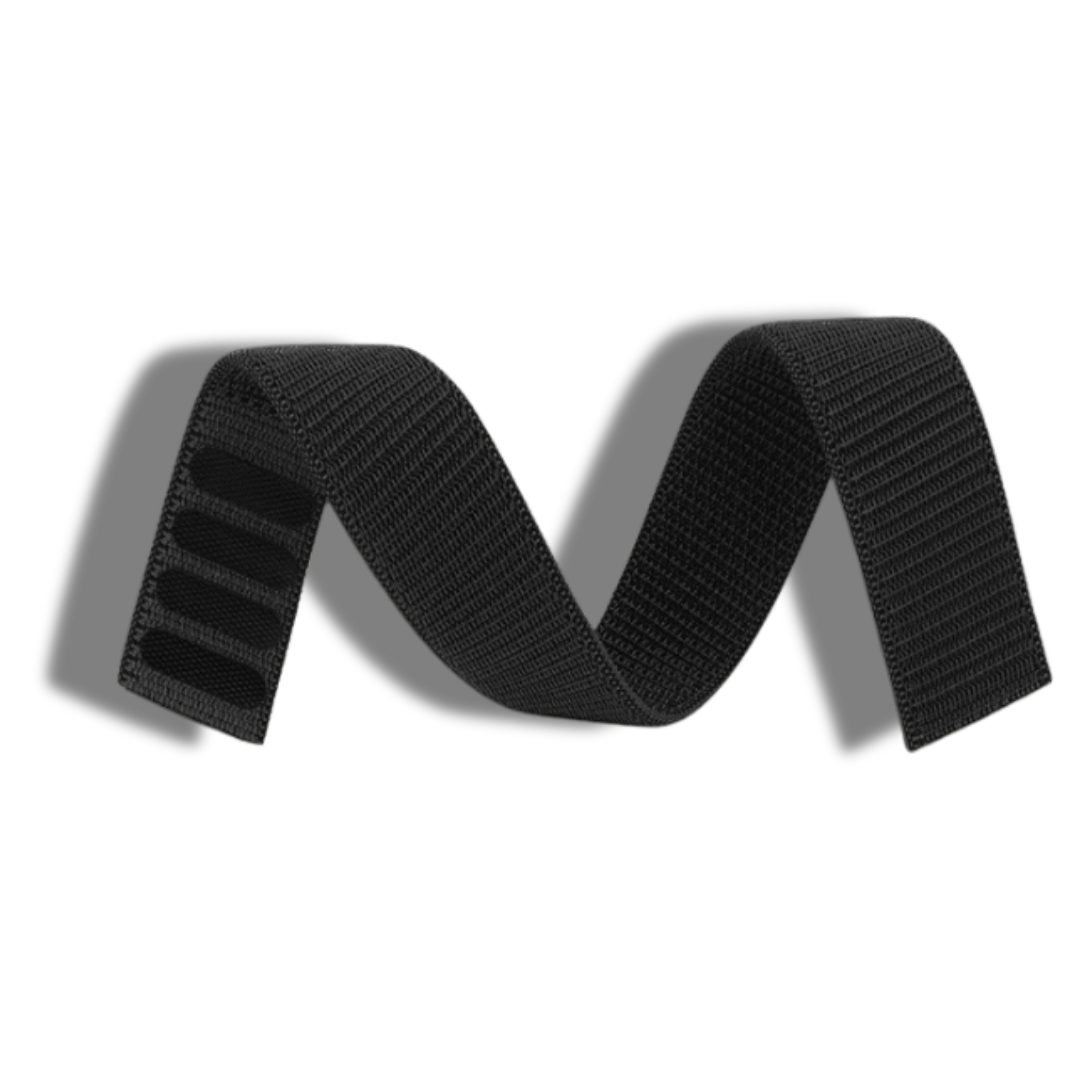
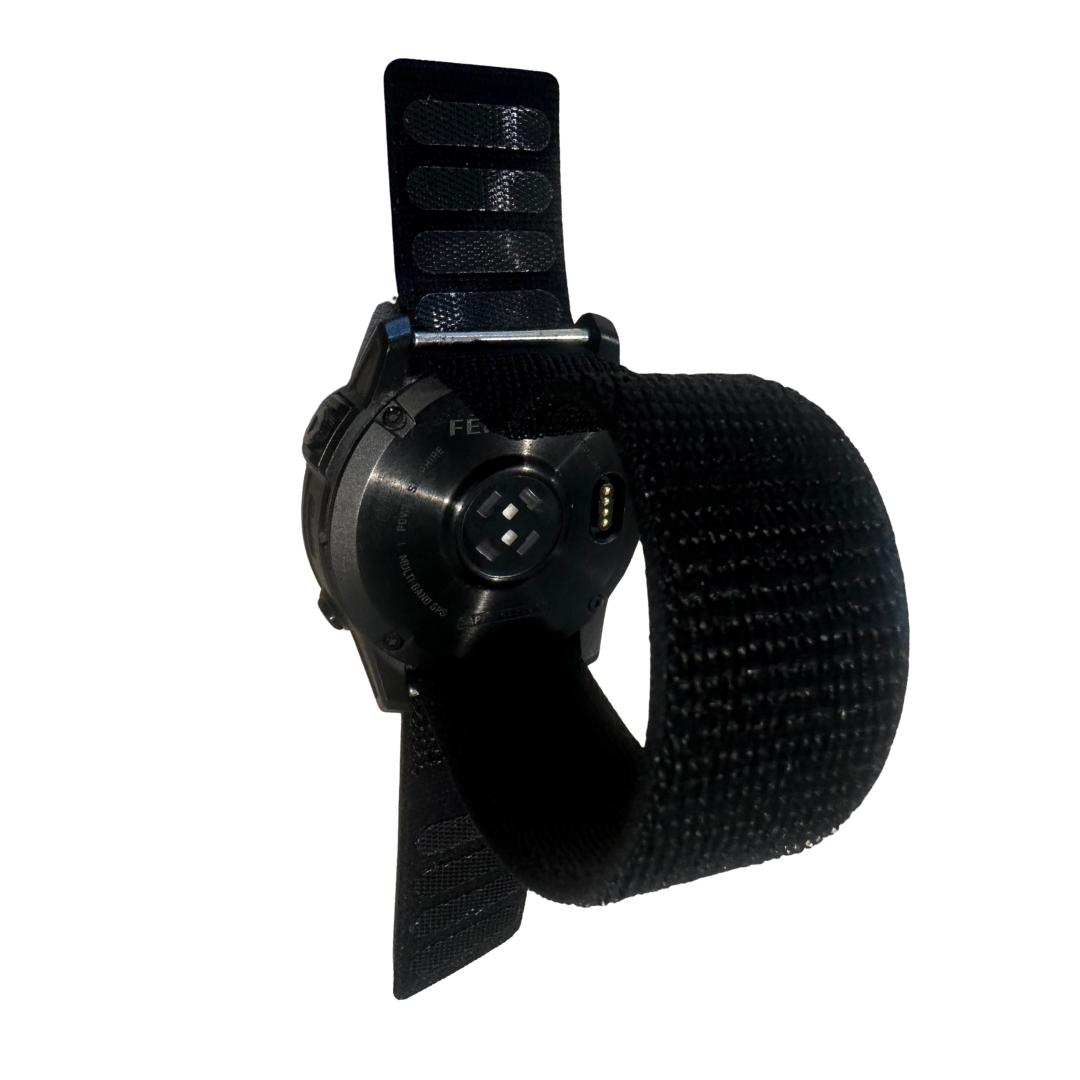
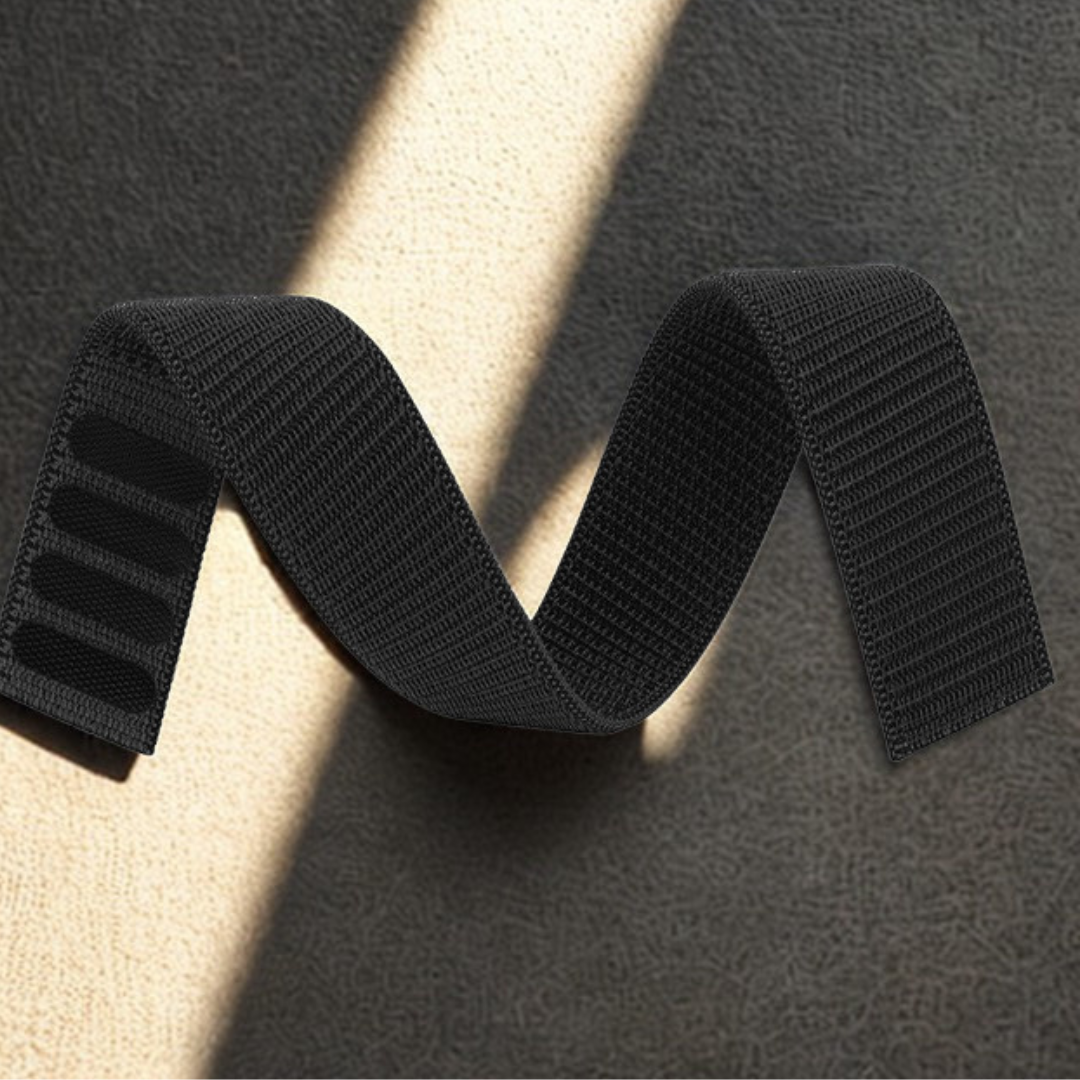
- A nylon strap for everyday wear or sensitive skin
- A leather strap for smarter occasions
- A metal strap for a more premium look
How often should you replace a Garmin strap?
There isn't a fixed replacement schedule for a Garmin watch strap.
How long a strap lasts depends on the material, how frequently you wear your watch and how much exposure it has to sweat, water, sunlight and everyday wear.
If your strap has started to:
- Crack or split
- Become uncomfortable
- Lose its flexibility
- Show significant wear
- Develop a damaged buckle or fastening
- Smell despite regular cleaning
…it may be time for a replacement.
You don't necessarily need to replace the watch itself. Changing the strap can make an older Garmin feel completely different while keeping the same watch and functionality.
Where can I buy Garmin replacement bands?
You can buy replacement Garmin watch bands from Garmin itself, large online retailers and specialist watch strap retailers.
When buying a replacement, don't simply search for your Garmin model and assume every result will fit. Check the strap width and attachment type before ordering.
Specialist strap retailers can be useful because they often offer a much wider choice of colours, materials and styles than buying directly from the watch manufacturer.
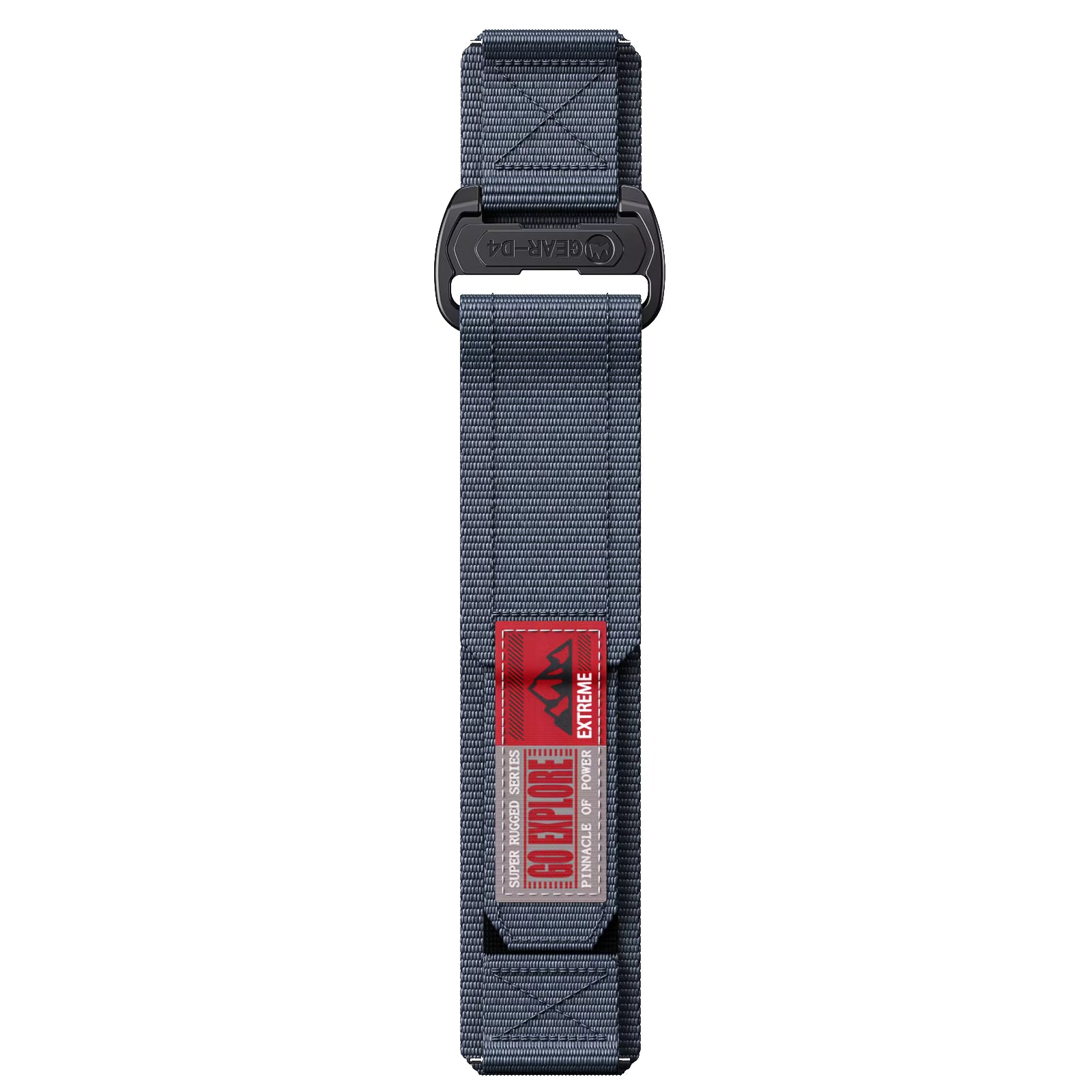
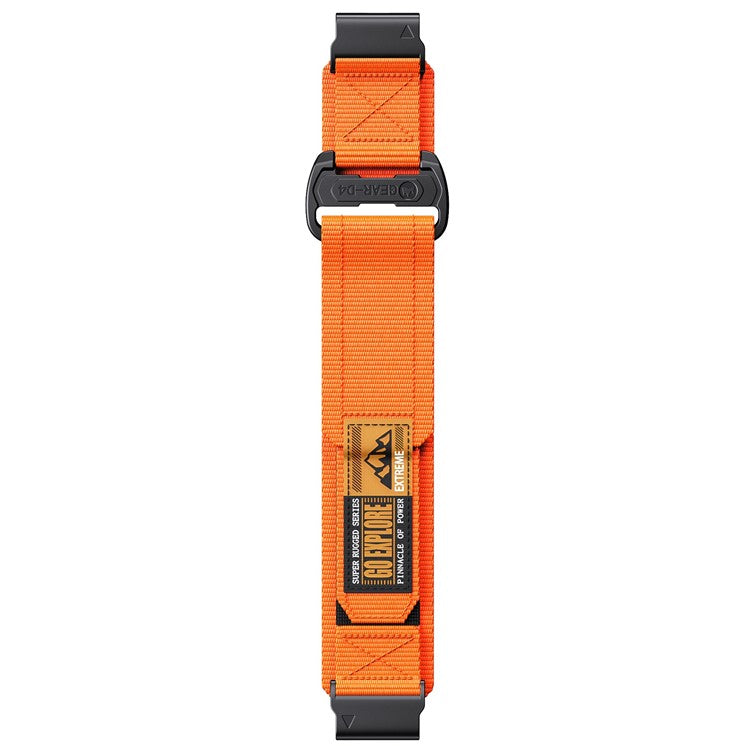
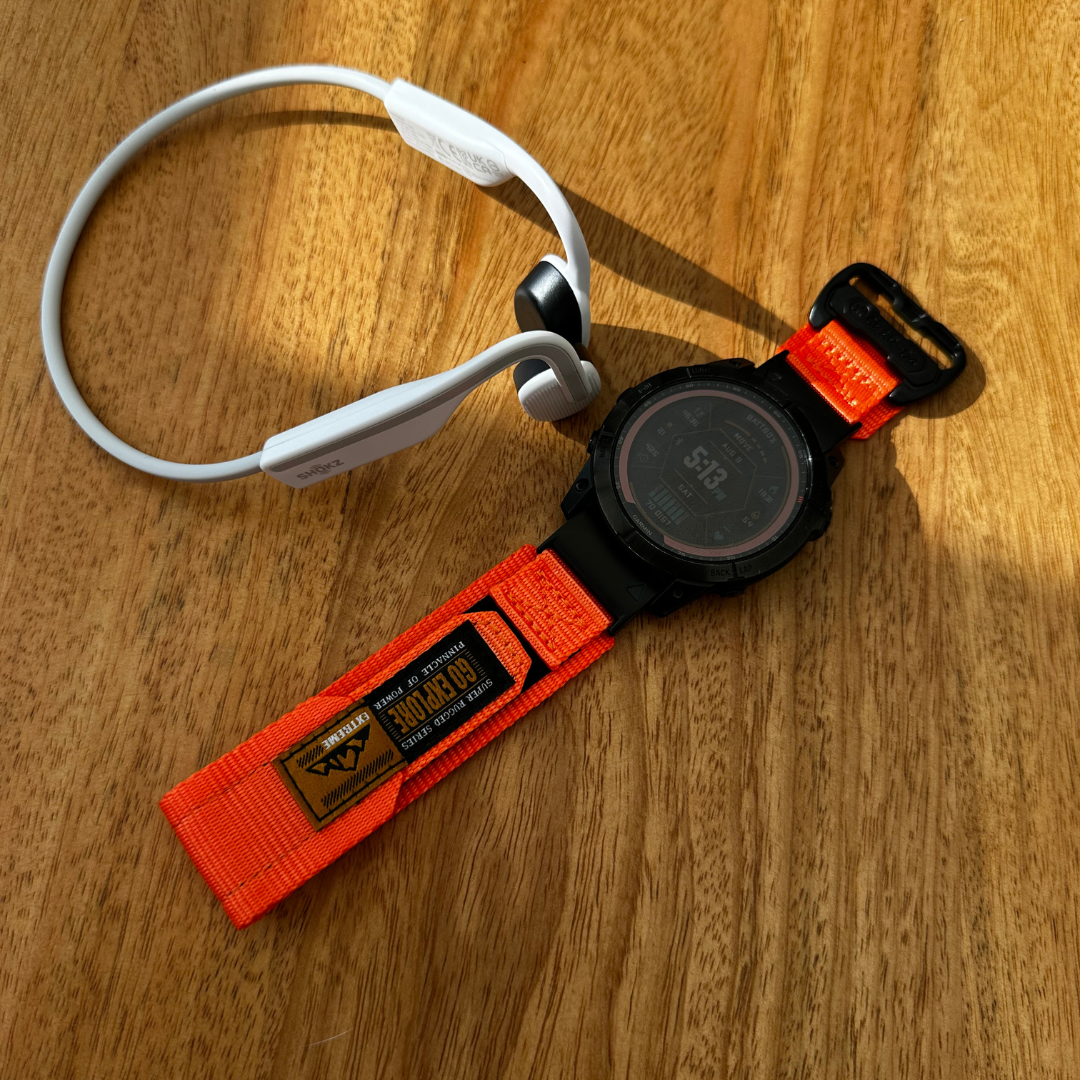
At The Time Club, we stock replacement Garmin straps designed around the different Garmin attachment systems, including QuickFit and Quick Release options in a range of sizes and styles.
Whether you're replacing a worn strap or simply want to change the look of your watch, choosing the correct size and attachment system is the most important part.
Are replacement Garmin straps worth buying?
If your Garmin watch is still working perfectly, replacing the strap can be a much cheaper way of giving it a new look than replacing the entire watch.
A replacement strap can also make your watch more suitable for different situations.
For example, your original Garmin strap might be perfect for training but not necessarily the style you want to wear every day. Having a second or third strap gives you the flexibility to change the appearance and feel of your watch whenever you want.
And because QuickFit and Quick Release straps can be changed so quickly, you don't have to commit to wearing the same strap all the time.
Garmin strap replacement FAQs
How long does it take to change a Garmin strap?
Most QuickFit and Quick Release Garmin straps can be changed in just a few minutes. Once you're familiar with the mechanism, changing between straps can take less than a minute.
Do I need a tool to change a Garmin strap?
Usually not. QuickFit and Quick Release systems are designed to allow the strap to be changed without specialist tools.
Can I put any strap on a Garmin watch?
No. You need to make sure the strap is compatible with your Garmin's width and attachment system. Check whether your watch uses QuickFit, Quick Release or another type of connection before purchasing.
What size Garmin strap do I need?
Garmin watches use different strap widths, including 18mm, 20mm, 22mm and 26mm. The correct size depends on your specific Garmin model.
Can I change my Garmin strap regularly?
Yes. That's one of the main benefits of quick-change strap systems. You can keep multiple compatible straps and swap them whenever you want.
Is QuickFit the same as Quick Release?
No. QuickFit and Quick Release are different Garmin strap attachment systems. Make sure you purchase the correct type for your watch.
Ready to change your Garmin strap?
Changing a Garmin strap doesn't need to be complicated. If your watch uses QuickFit or Quick Release, you can usually remove the old band and fit a replacement yourself in just a few minutes.
The most important thing is getting the correct strap width and attachment system for your watch.
Once you've got that right, changing your Garmin strap is one of the easiest ways to refresh your watch, improve comfort or give it a completely different look.
Shop Garmin Replacement Straps
Ready to give your Garmin a new look? Explore our range of Garmin replacement straps, including QuickFit and Quick Release options in a variety of sizes, colours and styles.
Whether you need a replacement for a worn-out strap or simply want a different look for your watch, find the right Garmin strap for your model and start switching up your style.
Browse our full range of Garmin QuickFit, Quick Release and replacement watch straps at The Time Club.


Aktie:
Styling the Garmin Forerunner 70 and Forerunner 170 with The Time Club