


The Garmin Fenix range has become one of the most popular choices for people who want a smartwatch that can do far more than simply tell the time.
Built for running, cycling, hiking, gym training, triathlon and outdoor adventures, the Fenix combines serious sports tracking with navigation, health monitoring and everyday smartwatch features.
But with the Fenix 7, Fenix 8 and now Fenix 9 available, what actually separates each generation?
The short answer is that the core fēnix experience has remained remarkably consistent, but Garmin has progressively added better displays, smarter training tools, improved navigation, more rugged hardware and greater connectivity.
Here's how the three generations compare.
Garmin Fenix 7 vs 8 vs 9 at a glance
| Feature | Fenix 7 | Fenix 8 | Fenix 9 |
|---|---|---|---|
| Display | MIP / Solar options | AMOLED or Solar | AMOLED |
| Touchscreen | Yes | Yes | Yes |
| Case sizes | 42, 47 & 51 mm | 43, 47 & 51 mm | 43, 47 & 51 mm |
| Multi-band GPS | Selected models | Yes | Yes |
| Built-in maps | Yes | Yes | Yes |
| LED flashlight | Pro models | Yes | Yes |
| Speaker & microphone | No | Yes | Yes |
| Voice controls | No | Yes | Yes |
| Phone calls from watch | No | Yes | Yes |
| Dive capability | No | Yes, up to 40 m | Yes, up to 40 m |
| ECG | Selected models | Yes | Yes |
| Training Readiness | Yes | Yes | Yes |
| Advanced stamina features | Earlier generation | Yes | Enhanced with Stamina Zones & Curves |
| Rucking features | Limited | Yes | Expanded |
| Garmin Epic | No | No | Yes |
| Memory | Varies by model | Up to 32 GB | Up to 64 GB |
| QuickFit strap | 20 / 22 / 26 mm depending on size | 20 / 22 / 26 mm depending on size | 20 / 22 / 26 mm depending on size |
Features can vary depending on the exact edition, case size and specification of the watch.
Garmin Fēnix 7: The foundation
The fēnix 7 is where the modern generation of fēnix watches really came together.
It introduced a touchscreen alongside Garmin's traditional physical buttons, while retaining the rugged design and excellent battery life that the range is known for.
The standard fēnix 7 uses a sunlight-visible MIP display, while Solar and Sapphire Solar versions add solar charging and, depending on the model, additional features such as multi-band GPS and preloaded maps.
For many people, the fēnix 7 still has everything they actually need.
What makes the fēnix 7 stand out?
- Excellent battery life
- Physical buttons plus touchscreen controls
- Built-in GPS and mapping
- Advanced running, cycling and training features
- Health and wellness tracking
- Garmin Pay and music support
- Solar charging available on compatible models
- Sapphire options for increased scratch resistance
- 10 ATM water resistance
The biggest thing to understand about the fēnix 7 is that it isn't an entry-level smartwatch. It is still a serious multisport watch.
The newer generations simply build on an already very capable platform.
Garmin Fēnix 8: A major step forward
The move from the fēnix 7 to the fēnix 8 was more significant than a simple yearly update.
Garmin changed several parts of the experience, most notably the display options and the way you interact with the watch.
The fēnix 8 introduced AMOLED models, giving users a much brighter, sharper and more colourful display compared with the MIP screen used by the fēnix 7. Solar versions remained available for those who prioritise battery life.
But the screen isn't the only change.
Voice control and calls
The fēnix 8 includes a built-in speaker and microphone.
That means you can make and take calls when paired with a compatible smartphone, use voice commands and interact with your phone's voice assistant from your wrist. Garmin also introduced offline voice commands for controlling certain watch functions.
For everyday use, this makes the fēnix feel considerably more like a traditional smartwatch.
Diving
The fēnix 8 also brought dedicated scuba and apnoea diving features, with dive capability up to 40 metres.
It features leakproof inductive buttons and a metal sensor guard, making the watch better suited to demanding water-based activities.
The built-in flashlight
One of the surprisingly useful additions to the fēnix 8 is the built-in LED flashlight.
It isn't just a gimmick. It can be useful when:
- Running before sunrise
- Finding your way around camp
- Looking for something in a dark bag
- Walking the dog
- Getting around the house at night
- Cycling in low-light conditions
The flashlight also includes a red safety light, while some modes can use a strobe effect.
In short, the fēnix 8 added:
- AMOLED display options
- Built-in speaker and microphone
- Voice controls
- Phone calls from the wrist
- Dive functionality
- Leakproof buttons
- Metal sensor protection
- Built-in LED flashlight
- More advanced strength-training features
For many people, the fēnix 8 is where the range starts to feel like a true premium smartwatch as well as a sports watch.
Garmin fēnix 9: Taking performance further
The Fēnix 9 continues the formula rather than completely reinventing it.
The biggest improvements are around performance, navigation, display brightness, training insights and connectivity, particularly on the Pro models.
The standard fēnix 9 now uses an AMOLED display and has a sapphire lens, with the display reaching around twice the brightness of its predecessor.
But some of the most interesting changes are underneath the surface.
Better navigation
Garmin has increased the memory and updated the map engine in the fēnix 9.
The watch has 50% more RAM than the fēnix 8, while the updated map engine makes map panning up to 30% faster. The fēnix 9 also has 64 GB of memory, allowing significantly more maps and music to be stored.
For anyone who spends a lot of time hiking, trail running or exploring unfamiliar areas, this is one of the more meaningful upgrades.
Stamina Zones and Stamina Curves
The fēnix 9 also expands Garmin's stamina features.
Rather than simply telling you how much energy you have left, the newer stamina tools are designed to help you understand how your endurance is changing during an activity.
Stamina Curves help visualise how stamina changes over distance, while Stamina Zones help runners and cyclists manage their effort and pacing.
For someone training for a long-distance event, this can make the fēnix 9 a much more useful training tool.
Garmin Epic
Another new feature is Garmin Epic.
This allows multiple activities to be grouped together into one longer story inside Garmin Connect.
For example, you could create an Epic around:
- A week-long hiking trip
- A training camp
- A cycling holiday
- A race weekend
- A multi-day adventure
Rather than looking at every activity separately, Garmin Epic brings the experience together so you can review your health, performance and activity data as one overall journey.
Improved rucking
The fēnix 9 also expands its rucking capabilities.
Users can enter pack weight during activities, create workouts around target metrics and track rucking with up to 100 kg of pack weight. Garmin has also added support for GORUCK workouts directly on the watch.
This makes the fēnix 9 particularly interesting for people who combine running and gym work with loaded walking or military-style training.
What about the fēnix 9 Pro?
This is where things get particularly interesting.
The fēnix 9 Pro takes the fēnix 9 platform and adds additional hardware and connectivity features.
Depending on the model, you can get:
- Built-in LTE connectivity
- Satellite connectivity
- Two-way messaging
- SOS functionality
- LiveTrack
- Phone-free communication
- Solar charging
- Up to 3,000-nit AMOLED displays
- Titanium case construction
- Additional flashlight functionality
Perhaps the biggest change is that inReach connectivity is now available across all three fēnix 9 Pro case sizes.
That means you don't necessarily have to choose the biggest watch to get the most advanced connectivity.
Which fēnix should you choose?
There's no single correct answer.
The best fēnix depends on what you actually use your watch for.
Choose the fēnix 7 if:
- You want a proven multisport watch
- Battery life is a priority
- You prefer a sunlight-visible MIP display
- You don't need voice calls or a built-in microphone
- You want excellent GPS, mapping and training features without needing the newest generation
Choose the fēnix 8 if:
- You want the AMOLED display
- You want a built-in flashlight
- You want voice controls
- You want to make calls from your watch
- You want dive functionality
- You want newer hardware without necessarily needing everything introduced with the fēnix 9
Choose the fēnix 9 if:
- You want the newest generation
- You want a brighter AMOLED display
- You use maps heavily
- You want the latest stamina features
- You train for endurance events
- You use rucking
- You want Garmin Epic
- You want the option of LTE and satellite connectivity on the Pro models
The important thing is that newer doesn't automatically mean better for everyone.
A fēnix 7 can still be an incredibly capable training watch. The fēnix 8 adds a significant number of everyday smartwatch features, while the fēnix 9 is more focused on pushing performance, navigation and connectivity further.
Don't forget the strap
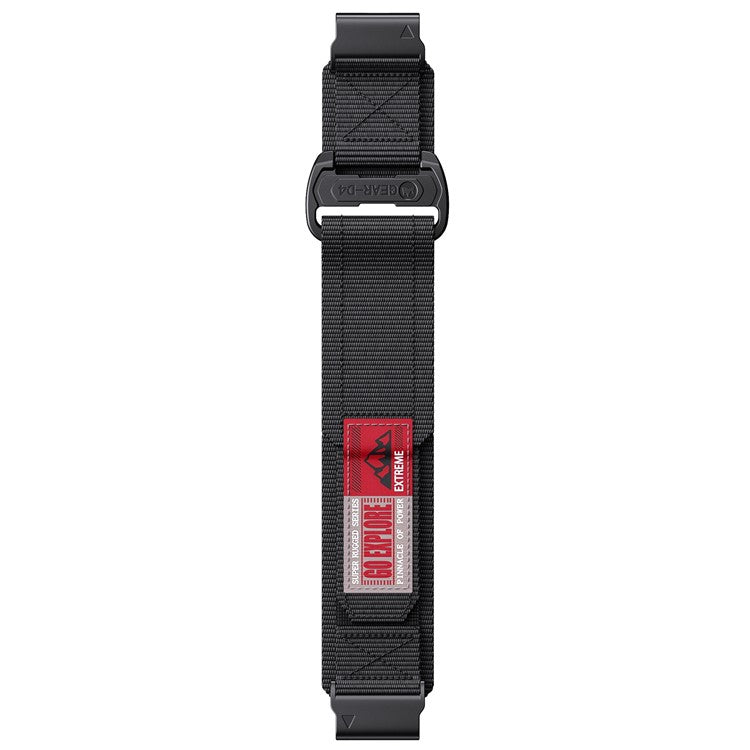
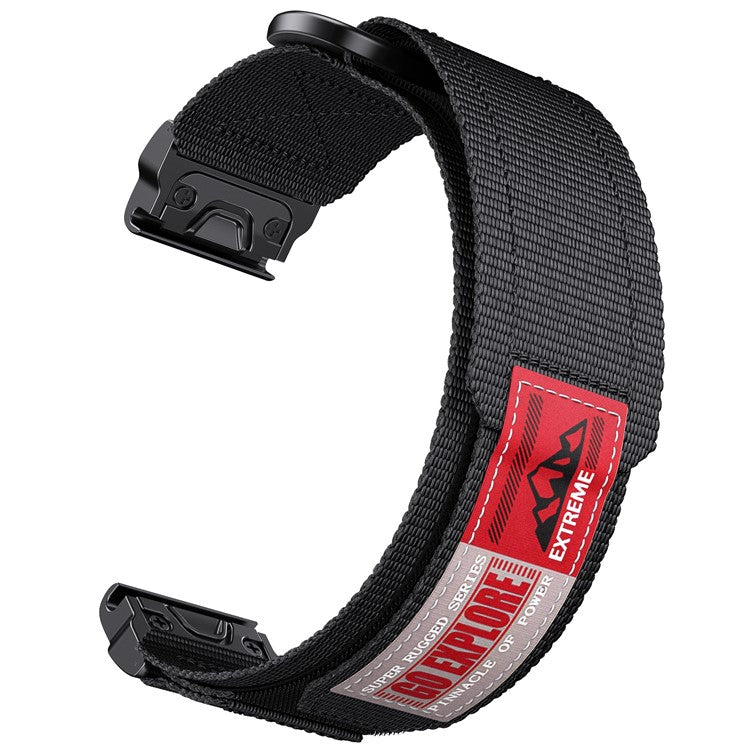
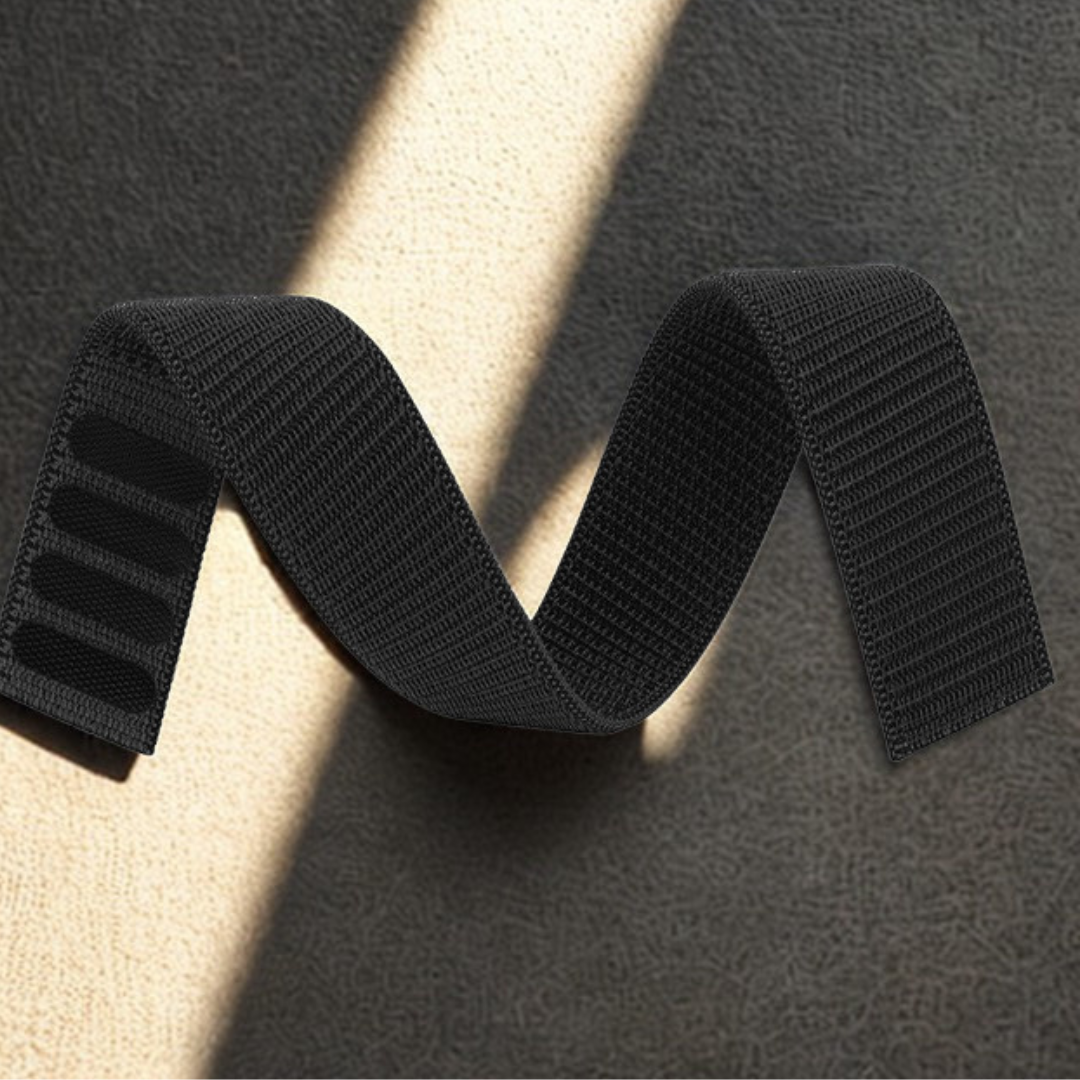
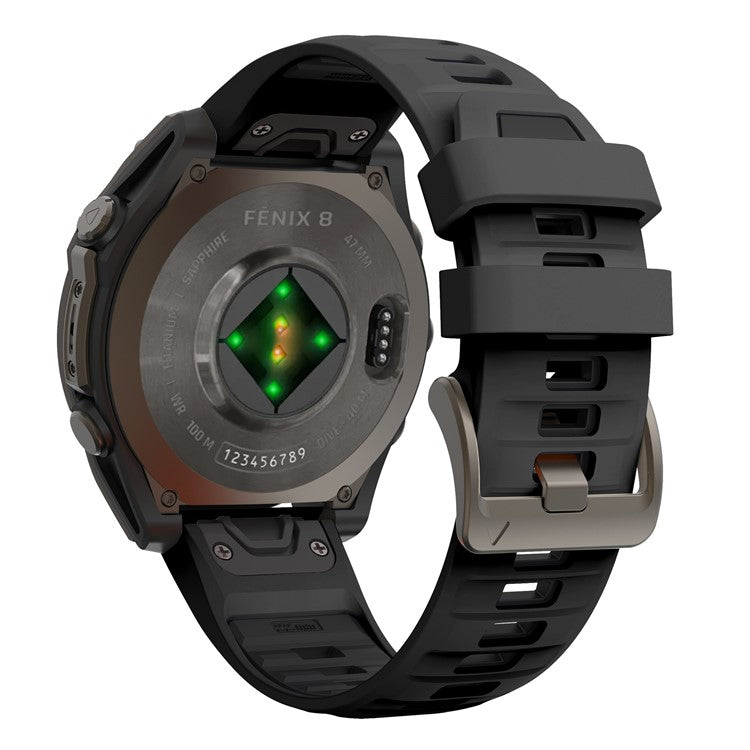
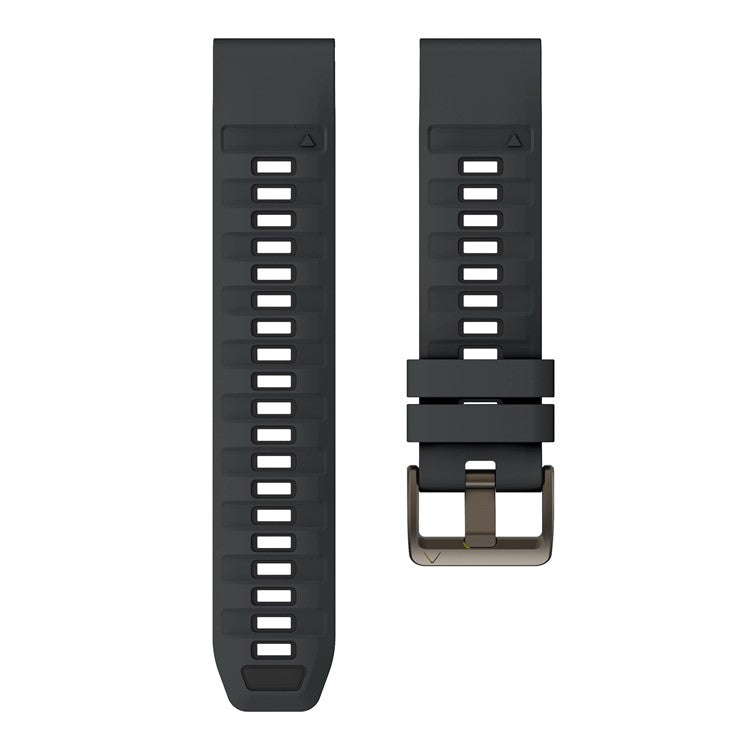
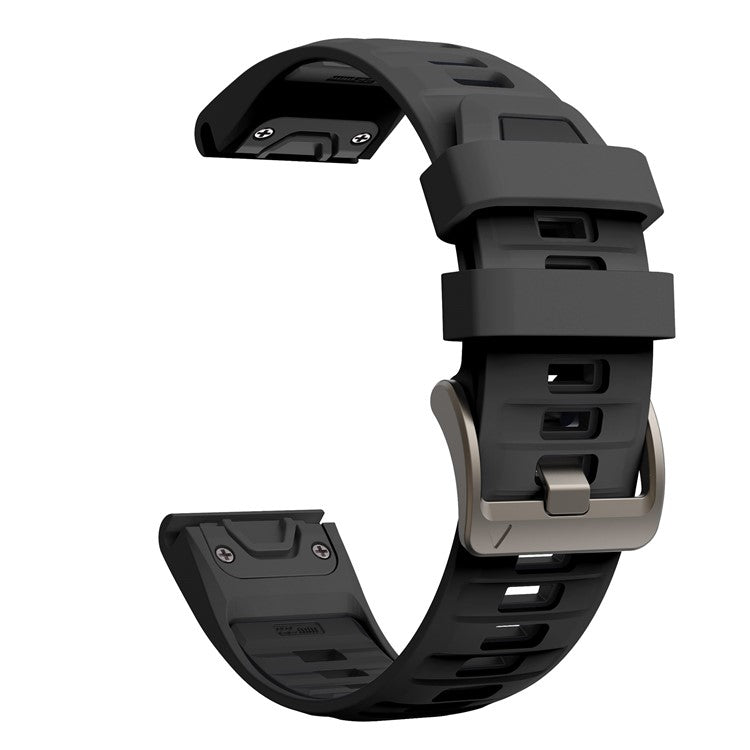
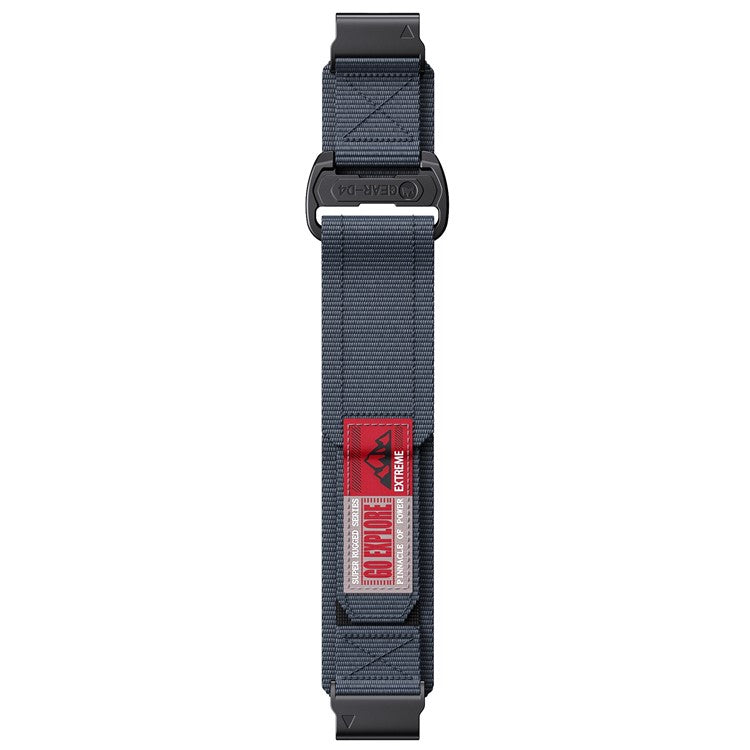
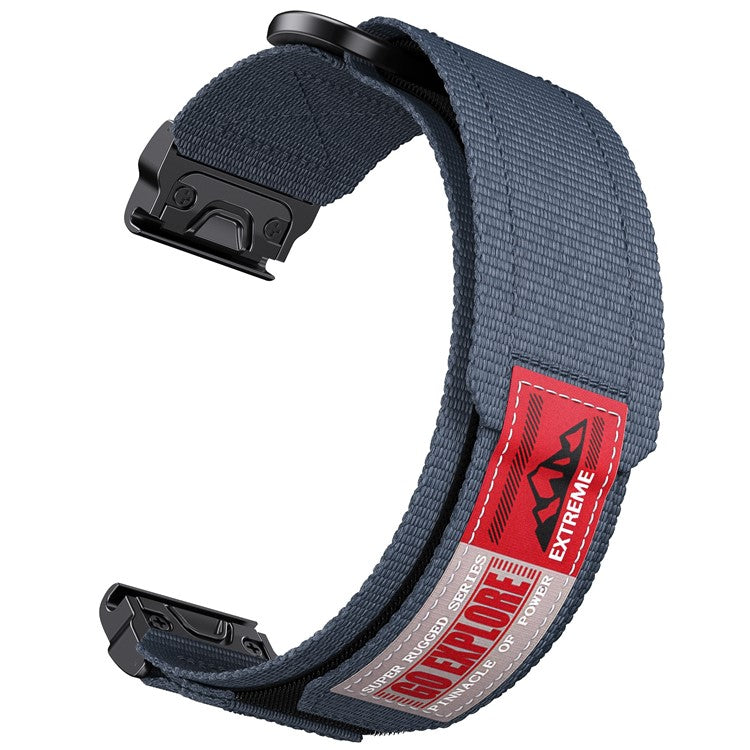
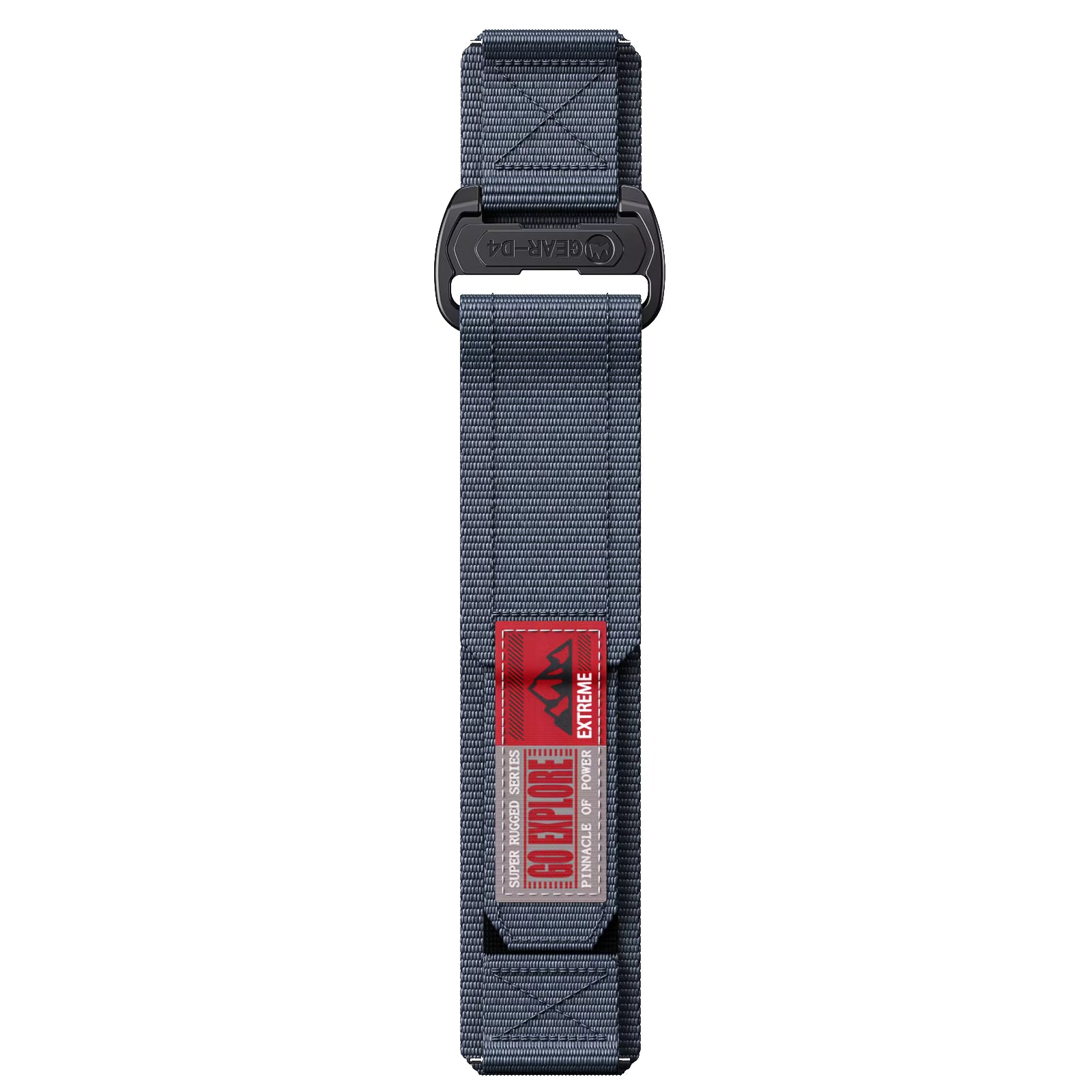
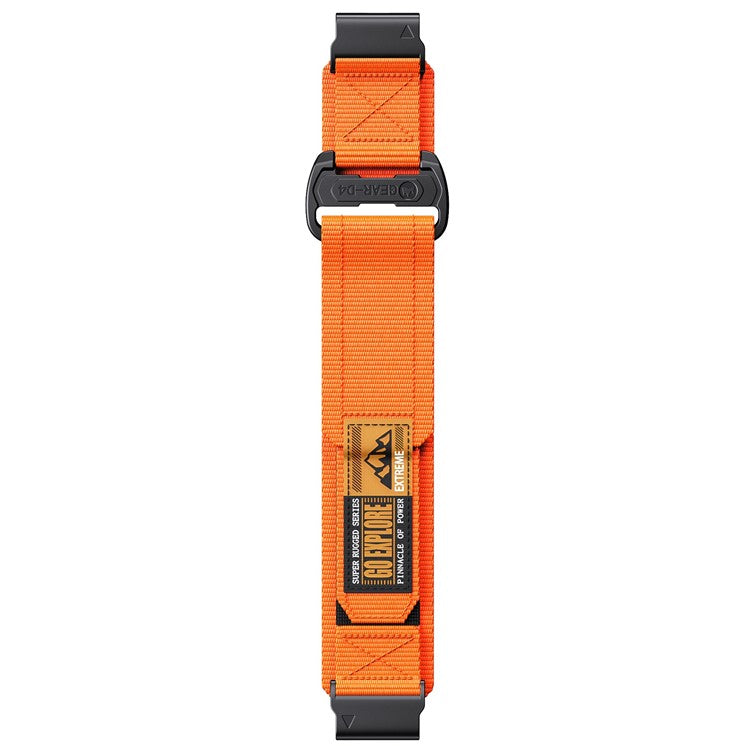
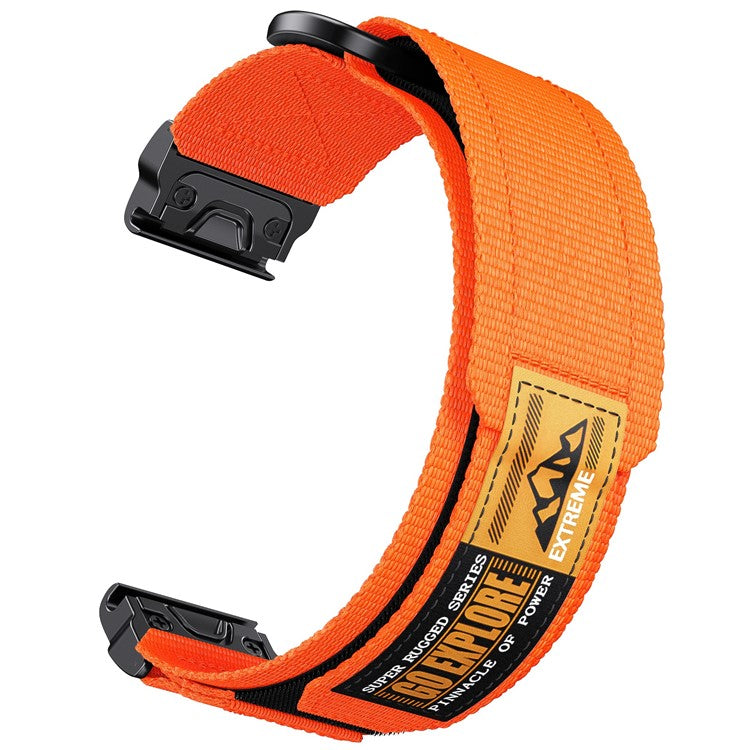
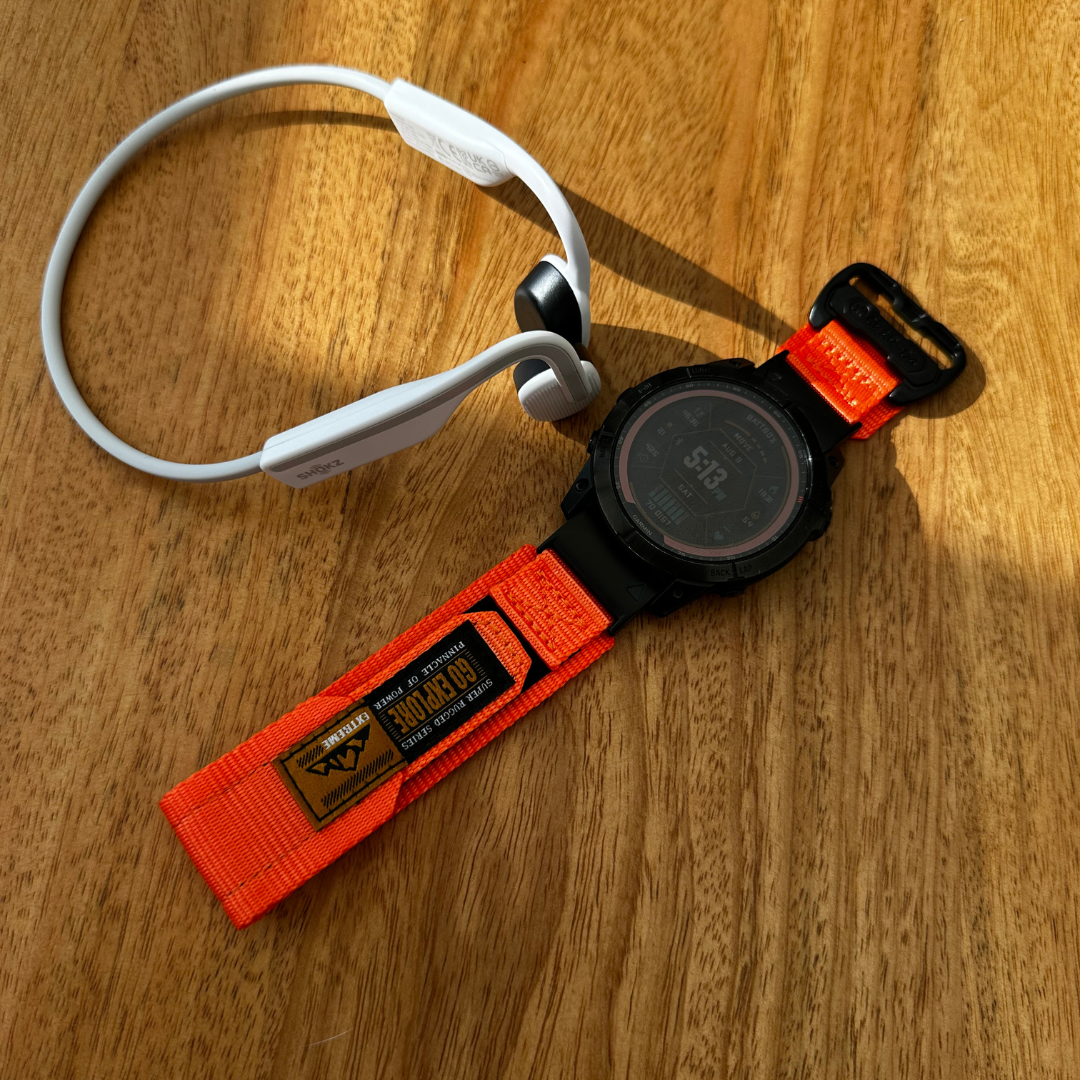
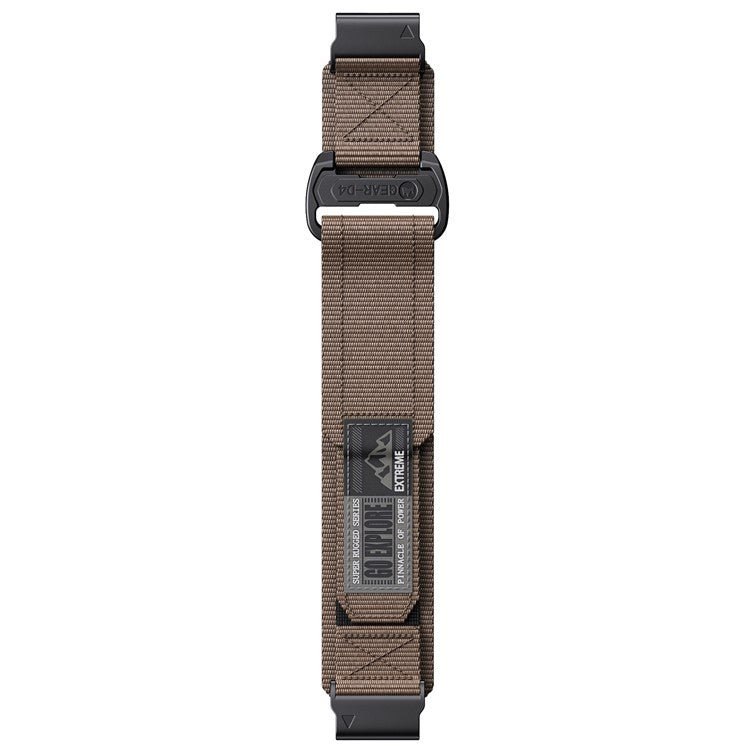
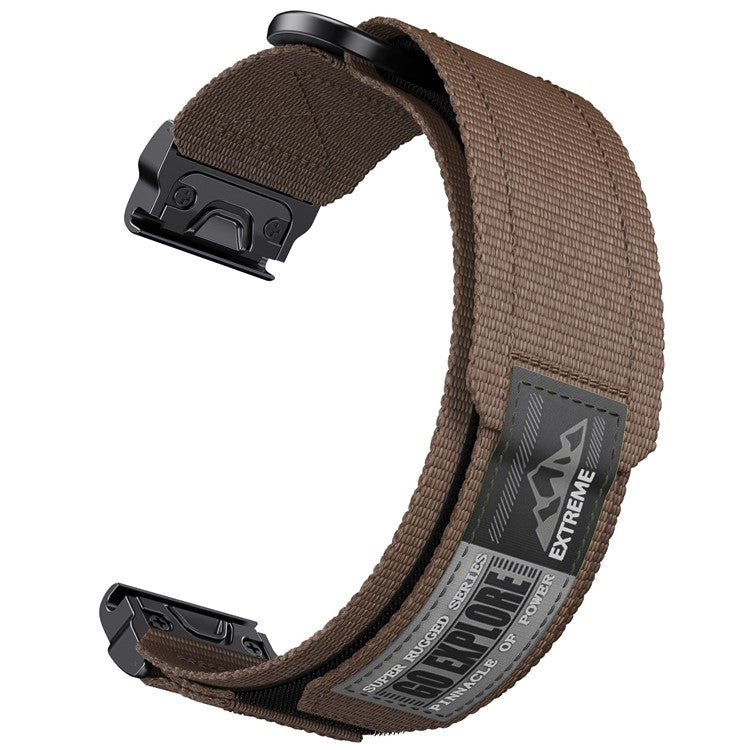
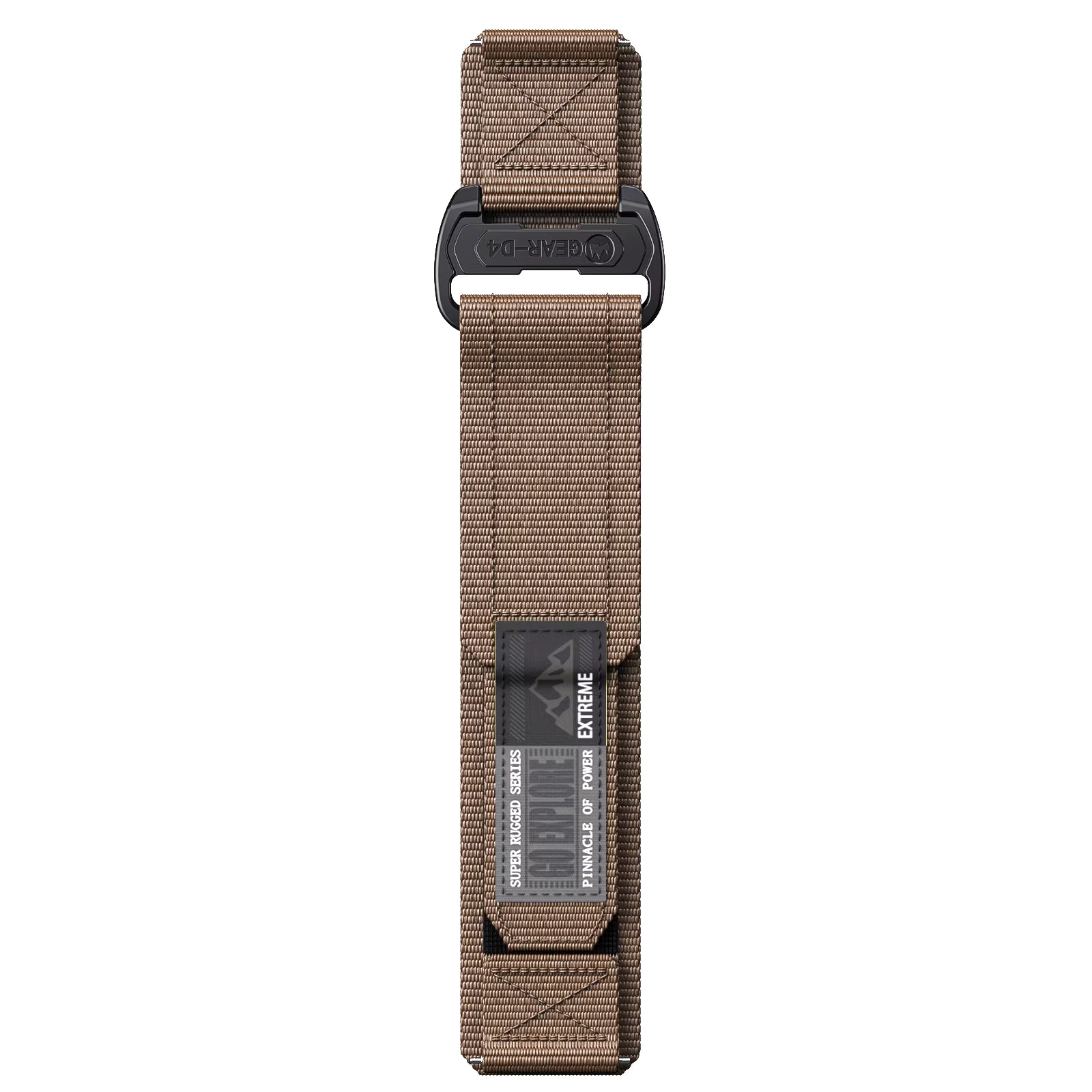
One of the easiest ways to change the look and feel of a fēnix is to change the strap.
Garmin uses its QuickFit system across the fēnix range, allowing you to switch between compatible straps without tools. Garmin offers QuickFit straps in 20 mm, 22 mm and 26 mm widths.
The important part is choosing the correct width for your watch.
fēnix strap sizes
| Watch size | QuickFit strap |
|---|---|
| Smaller fēnix | 20mm QuickFit |
| Mid-size fēnix | 22mm QuickFit |
| Largest fēnix | 26mm QuickFit |
As a general rule:
Smaller watch = smaller strap.
Larger watch = larger strap.
For example, the 43 mm fēnix 8 uses a 20 mm QuickFit strap, the 47 mm version uses 22 mm, and the 51 mm version uses 26 mm.
The same basic sizing principle applies across the fēnix family, although the exact case sizes vary slightly between generations. The fēnix 7, for example, was available in 42 mm, 47 mm and 51 mm sizes.
Why change your fēnix strap?
Your Garmin doesn't have to look like every other Garmin.
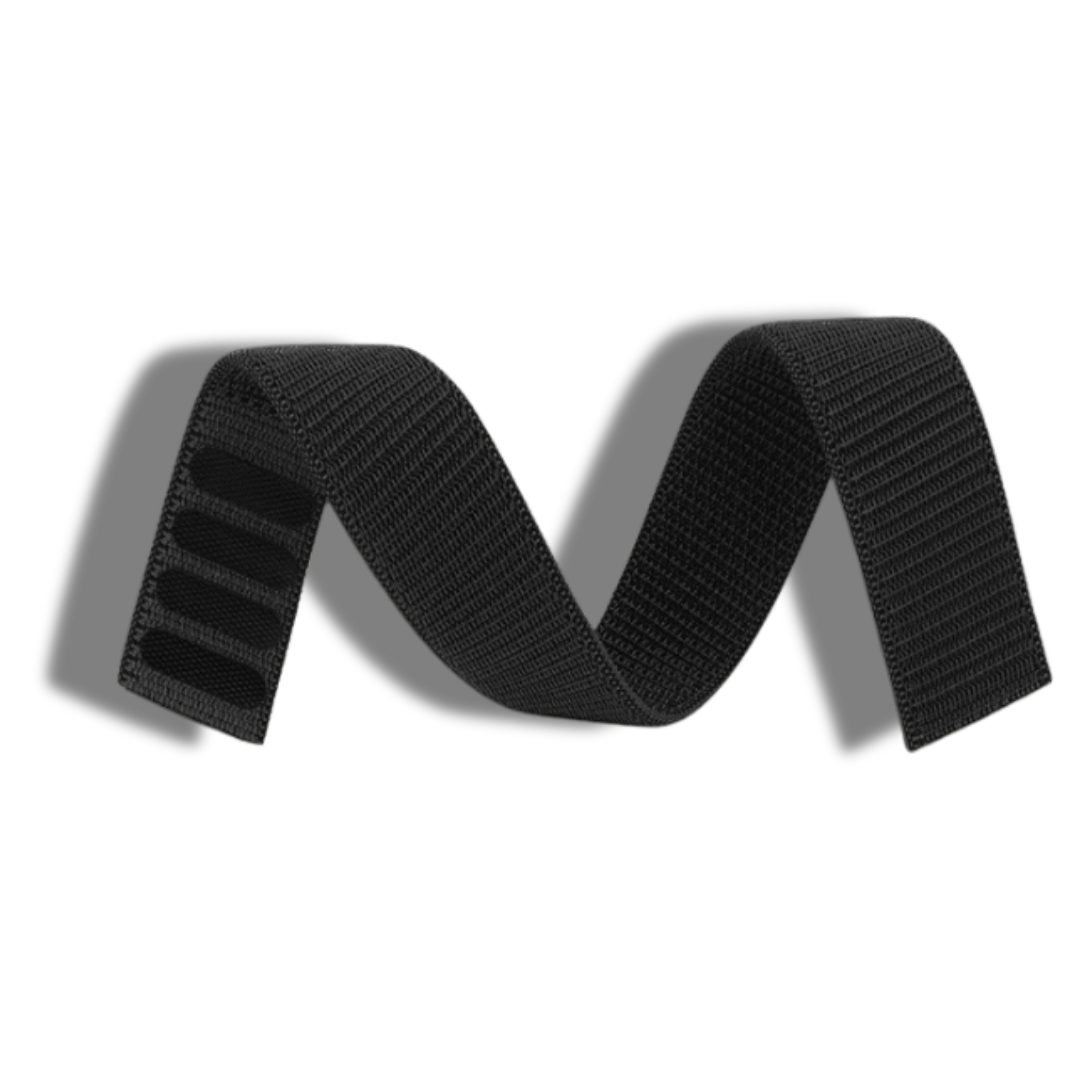
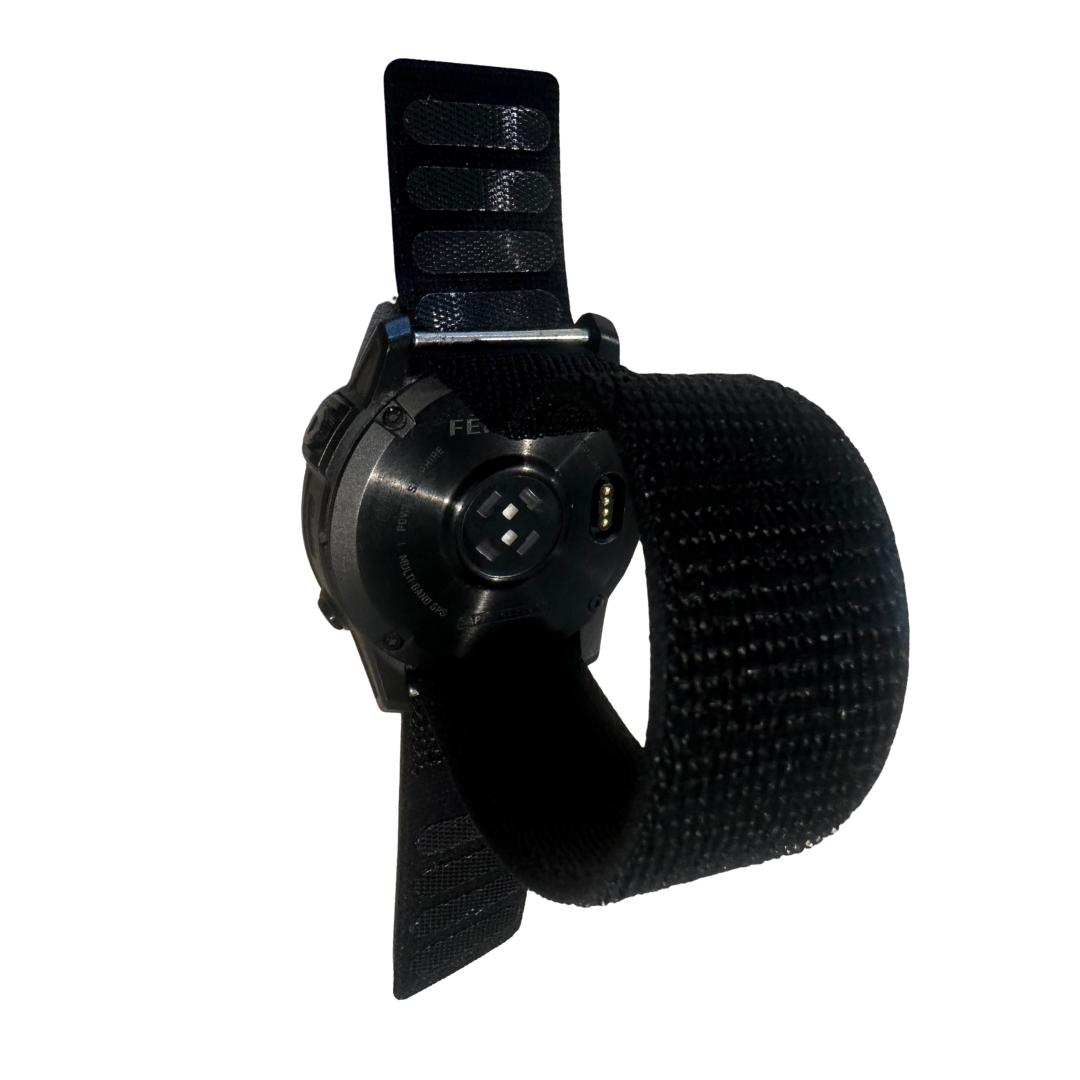
A different strap can completely change the appearance of your watch, while also making it better suited to different activities.
You might choose:
- A lightweight strap for running
- A more durable strap for hiking
- A comfortable option for sleeping
- A premium-looking strap for everyday wear
- A different colour to match your kit
- A second strap so you can change your watch depending on the day
And because QuickFit straps can be changed without tools, switching between them takes seconds.
The fēnix has evolved, but the idea hasn't changed
From the fēnix 7 through to the fēnix 9, Garmin has continued to build on the same basic idea: a watch that can keep up with whatever you throw at it.
The fēnix 7 established the modern platform.
The fēnix 8 made the watch smarter, brighter and more capable in everyday life.
The fēnix 9 pushes performance, navigation, stamina tracking and connectivity further.
And whichever generation you own, changing the strap is one of the simplest ways to give your Garmin a completely different feel.
Just make sure you choose the right QuickFit width for your case size.
20 mm. 22 mm. 26 mm.
Find the right fit, choose your style and make your fēnix your own.


Aktie:
How to Change a Garmin Strap: Easy Replacement Guide